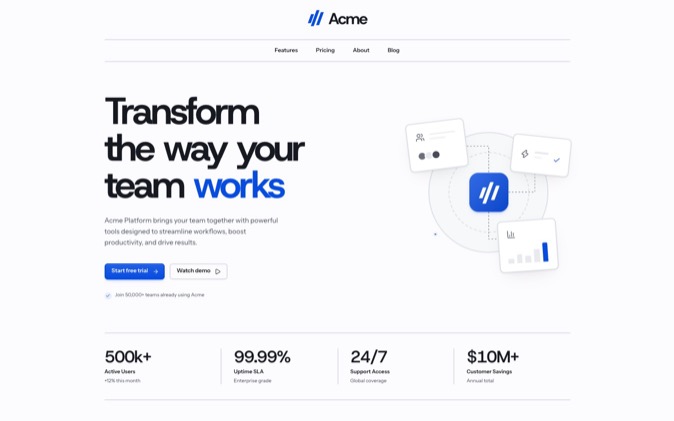
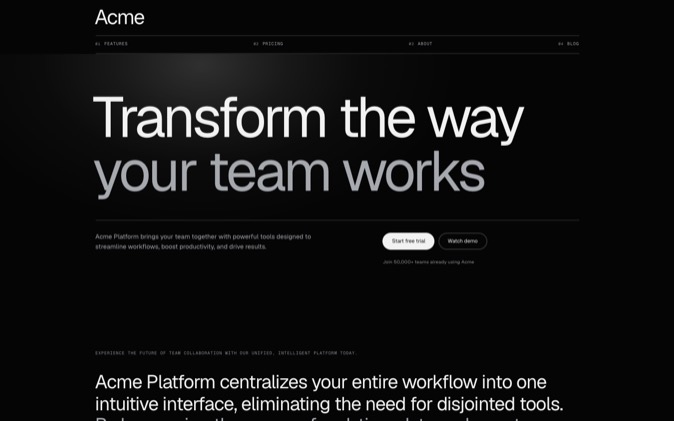
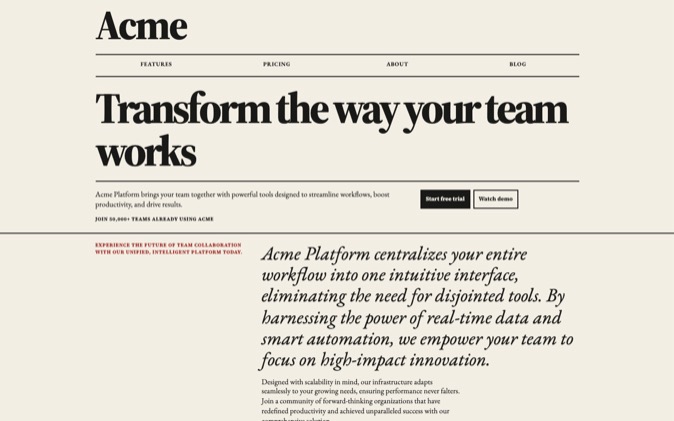
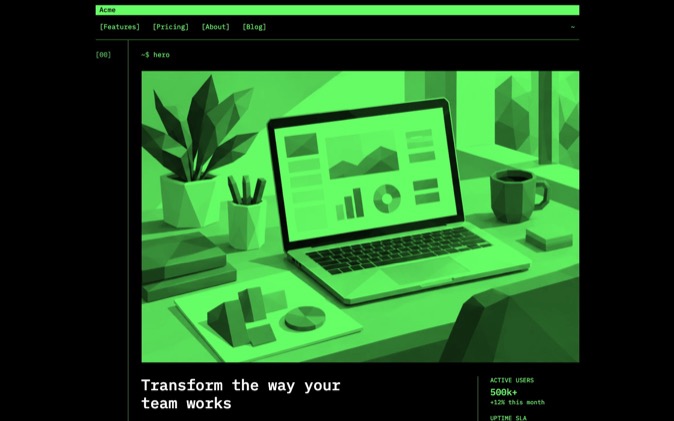
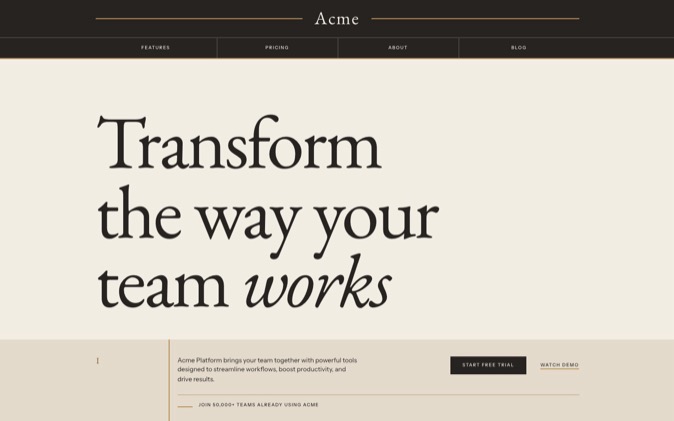
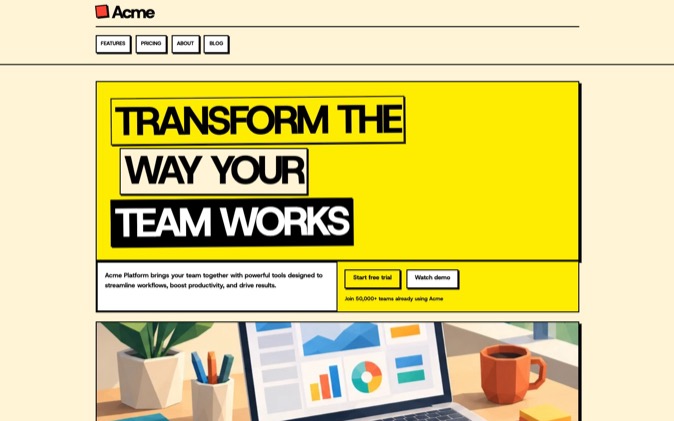
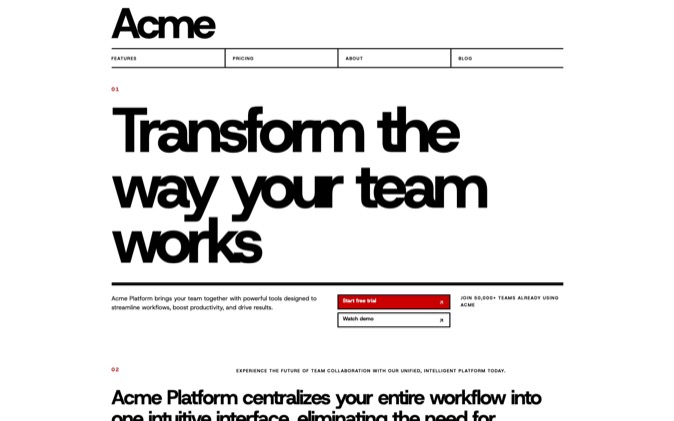
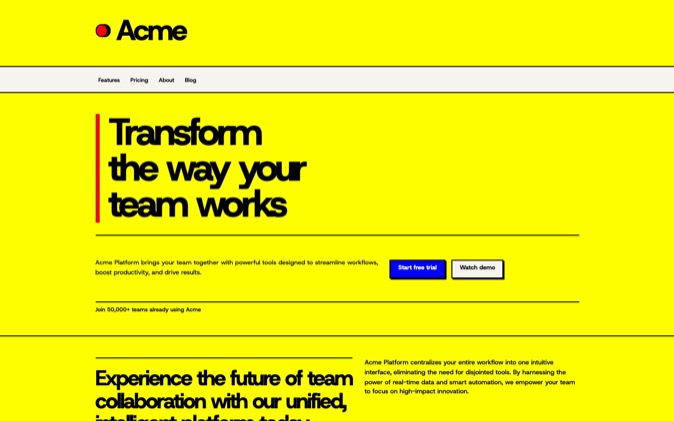
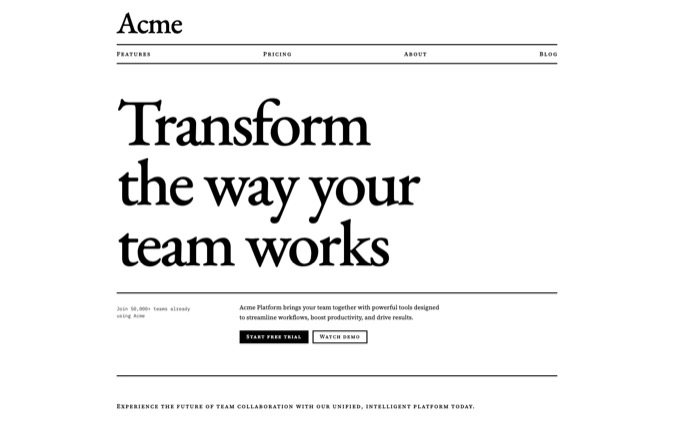
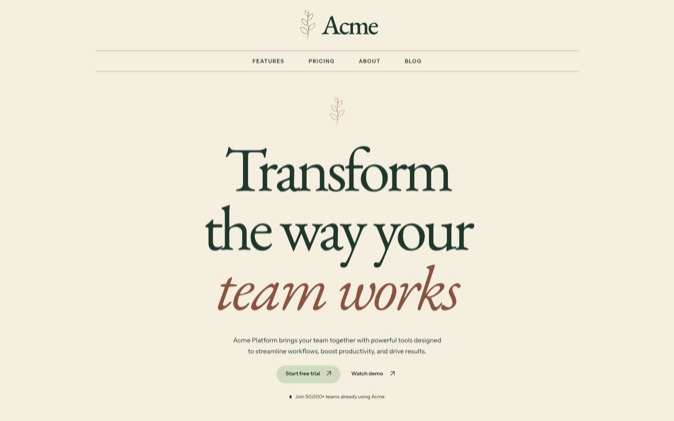
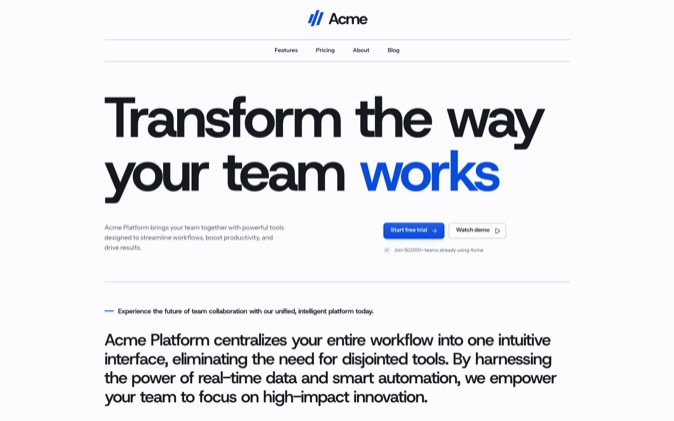
Give your coding agent the page's purpose, visual direction and source material before asking it to build. DesignPrompts lets you choose that starting point visually: a free Builder prompt, installed LandingKit components or a complete System with its design rules and skills.
The same design material works across Claude Code, Codex and Cursor. What changes is where you put persistent instructions and how you point the agent to the files.
Choose the starting point
| What you want to start with | Use | What your agent receives |
|---|
| Your own page plan and look | Free Start or Builder | A design prompt; the agent implements the page in your project |
| Working React sections in a chosen style | LandingKit | Editable React and Tailwind files installed through shadcn |
| A complete authored landing page | Premium Gallery | Source, assets, DESIGN.md, prompts, agent skills and proof |
For the free path, choose a template and a look at the Start, inspect the preview, then select Get prompt and Copy prompt. Choose Edit in Builder to rearrange blocks or tune the look first. Neither step requires sign-up.
For LandingKit, pick a style and follow the installation guide. For a System, download its package from your account and run the supplied page before adapting it. Both paid paths are included in Pro.
Give the agent a concrete brief
Alongside the prompt or files, give the agent your real copy, images, primary action and any existing behaviour it must preserve. For example, adapt this brief to your project:
text
Build the landing page for our appointment-booking product.
The audience is independent salons. The main action is to book a demo.
Use the attached DesignPrompts design instructions and our supplied copy.
Reuse the project's existing routes and form handling.
Keep pricing and customer claims limited to the facts in our brief.
Before editing, read the design files and name the components you will reuse.
After building, inspect the page at desktop and phone widths and test the form.
For a System, name its DESIGN.md and supplied workflow explicitly. For LandingKit, name the installed style and components. Specific file references help the agent use the work you chose.
Claude Code
Start Claude Code in the target project. Reference the design instructions from the project's CLAUDE.md and ask it to read them before changing the interface. Keep the reference short and leave the detailed design rules in their owning file. Claude's documentation explains how it loads project instructions. Claude Code memory guide.
Paste the Builder prompt into the task, or point Claude at the installed LandingKit files or System package. State the change you want against that starting point.
Codex
Reference the design instructions from the project's AGENTS.md. Codex reads project guidance before working; use that file to route it to DESIGN.md or the prompt you saved. Ask it to identify the existing stack and relevant design files before implementation. Codex project instructions.
Give Codex the same concrete brief and selected DesignPrompts material. With a System, ask it to follow the package's README and use the supplied skill that matches the task.
Cursor
Put persistent design instructions in an .mdc file under .cursor/rules/. Choose Always Apply when the rule should accompany every chat, or use a narrower scope for a particular part of the project. Cursor also supports AGENTS.md for plain Markdown instructions. Cursor rules.
Include the relevant design files in the request. Ask Cursor to reuse the installed components or adapt the supplied System before creating new visual patterns.
What to check after the build
Read the rendered page at desktop and phone widths. Compare typography, heading wraps, spacing, image crops and component states with your chosen direction. Test the primary action, links, keyboard focus and reduced-motion behaviour.
Check product facts separately. A design example may contain fictional prices or testimonials; replace them with supported content or remove them. For a System, rerun the documented checks after your edits. Its supplied proof describes the supplied package.
The agent does the implementation, and you judge the result. DesignPrompts gives that process a concrete starting point you can inspect before the build.
Choose a template and a look at the Start, or browse a System to begin with the complete page and its working files.