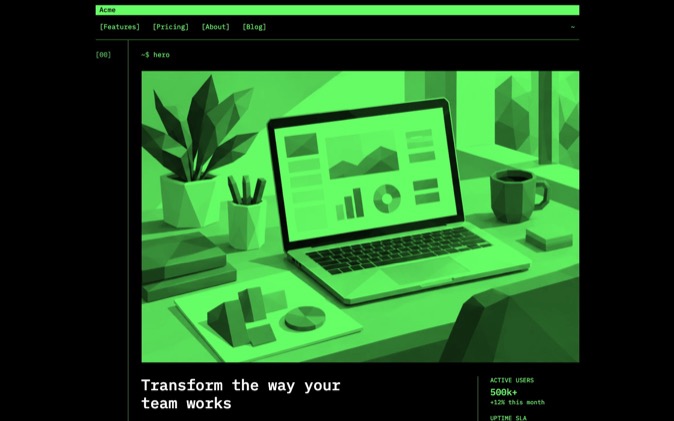
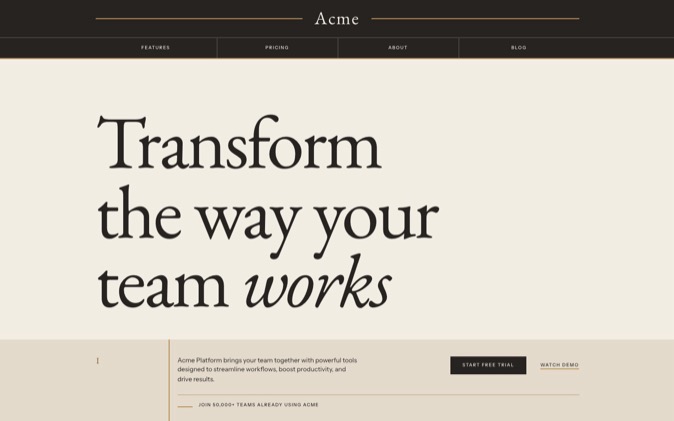
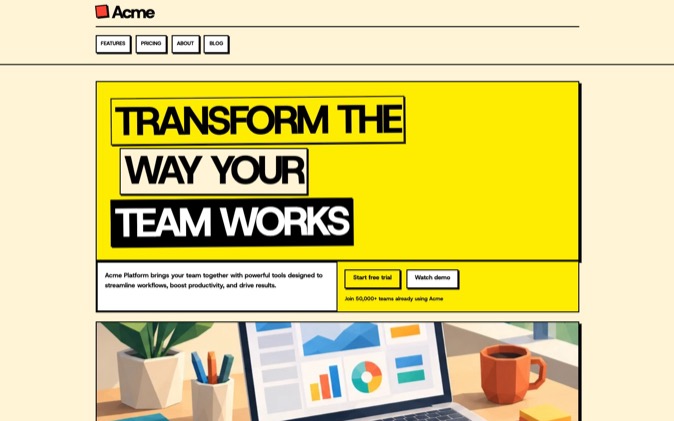
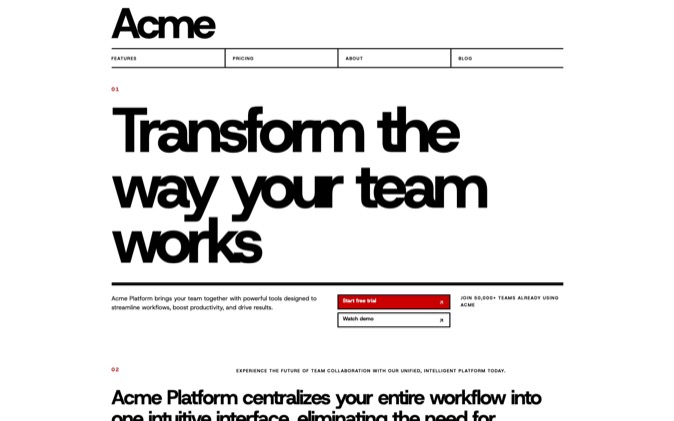
Choose DesignPrompts Pro when your priority is a distinct landing page your coding agent can build on. You get LandingKit in 21 styles and complete Premium Systems with source, design rules, prompts and skills. Choose Shadcn Studio when its application pages, Figma-to-code workflow or editor tools are central to your project.
At a glance
| Your priority | Our recommendation |
|---|
| Styled React blocks for sites with different identities | DesignPrompts Pro |
| A finished landing page with its design rules and agent skills | DesignPrompts Pro |
| Figma-to-code tooling and application templates | Shadcn Studio, in the edition that includes those tools |
| One-time access to a particular Studio block | Shadcn Studio Basic or Pro, depending on the item |
Checked November 5, 2026, against Studio pricing and its licence. Prices are in US dollars. DesignPrompts' Pricing and Terms own our offer.
What does each purchase include?
DesignPrompts Pro includes the whole LandingKit catalogue, with over 1,200 React blocks across 21 styles, plus controls and app screens. You can compose a page from parts that already share a design direction. Block Variations give you other arrangements for the same content.
The Premium Gallery adds complete Systems. Each contains a finished landing page, React and Tailwind source, components, assets, DESIGN.md, prompts, agent skills and proof. The subscription includes current Systems and new ones added while you subscribe.
Shadcn Studio combines blocks, pages, templates, Figma assets and development tools. Basic gives narrower content and tool access than Studio Pro. Check the plan comparison for the exact pages and tools you intend to use. Studio pricing.
How do price, seats and contents compare?
| Purchase | Displayed price | Team coverage |
|---|
| DesignPrompts Pro | $180 a year or $60 every three months | The organisation holding the subscription; no numerical seat limit |
| Shadcn Studio Basic | $99 once | One user |
| Shadcn Studio Pro | $199 once | One user |
| Shadcn Studio Team | $449 once | Up to 15 users |
Studio advertises lifetime access. Its displayed prices can be promotional. DesignPrompts is a renewing subscription with the same contents on annual and quarterly billing. Comparing the annual plan with an individual Studio purchase does not compare equal team rights. Studio pricing, licence.
You can cancel Pro in the billing portal and keep access through the paid period. After it ends, you retain use of files in the projects you used them in; installs, downloads and updates stop. DesignPrompts Terms.
Can your team deliver files to clients?
DesignPrompts lets your organisation deliver finished client work with our files inside. Clients may keep using and changing it, without receiving rights to reuse the catalogue or a System elsewhere. The subscription covers your organisation's team without counting seats. Terms.
Studio Basic and Pro permit unlimited client End Products, but each is an individual licence. Team coverage is a separate purchase. Both products restrict distributing their resources as a standalone kit. Studio licence.
Who should pick Shadcn Studio?
Pick Studio when its Figma workflow, application pages or a specific template is the work you want to buy. Those are useful differences from DesignPrompts. Confirm that your chosen edition includes them and covers the people using the source.
Who should pick DesignPrompts Pro?
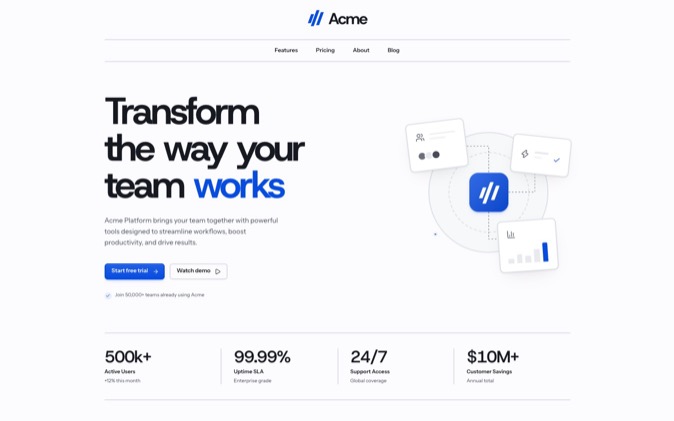
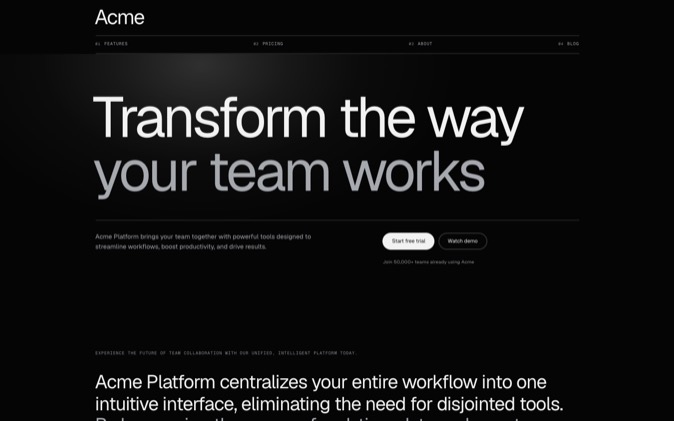
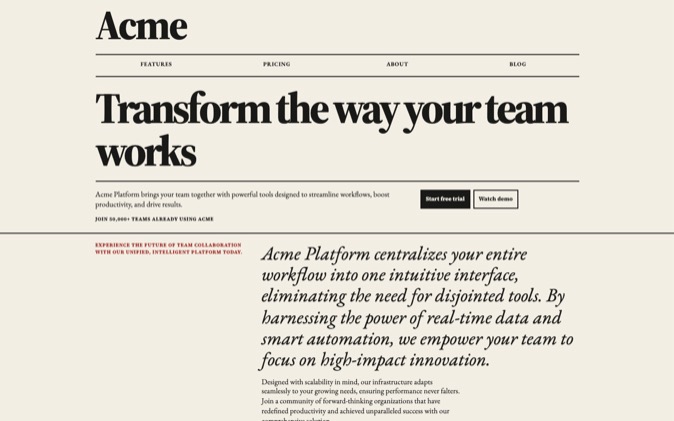
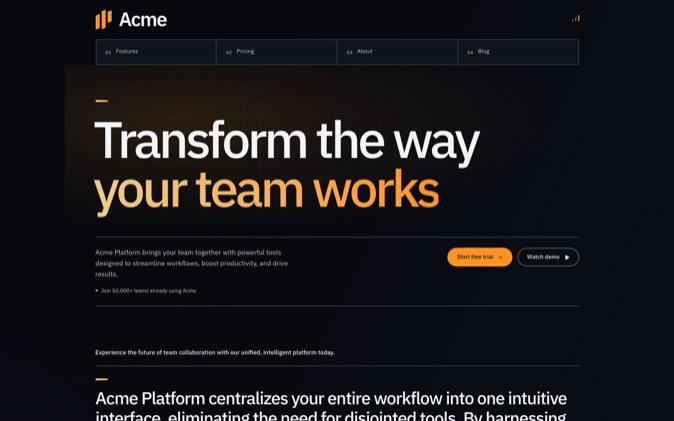
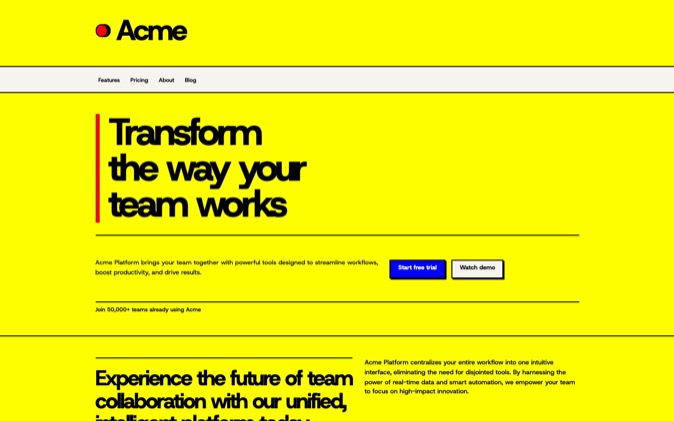
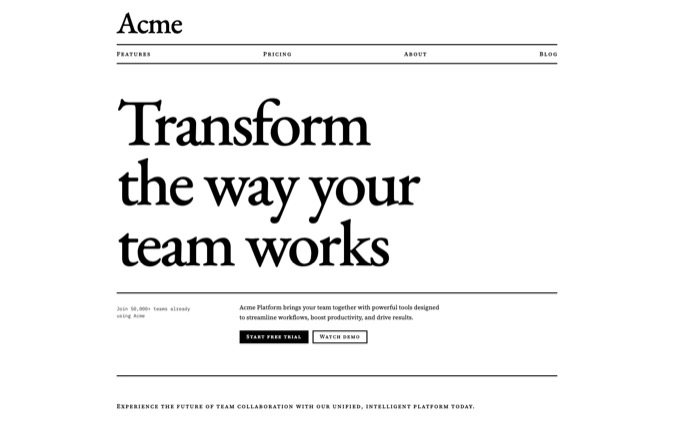
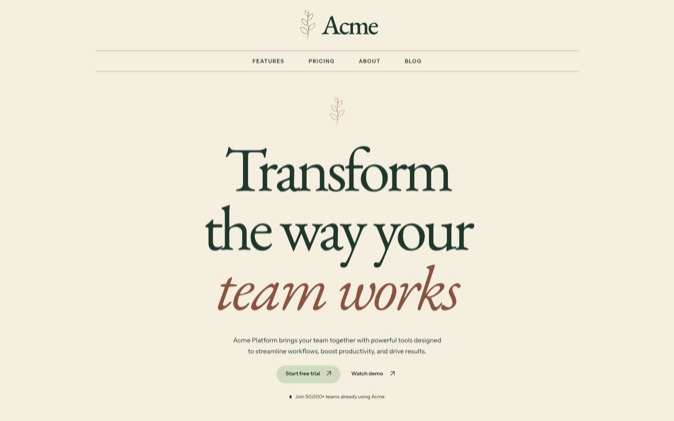
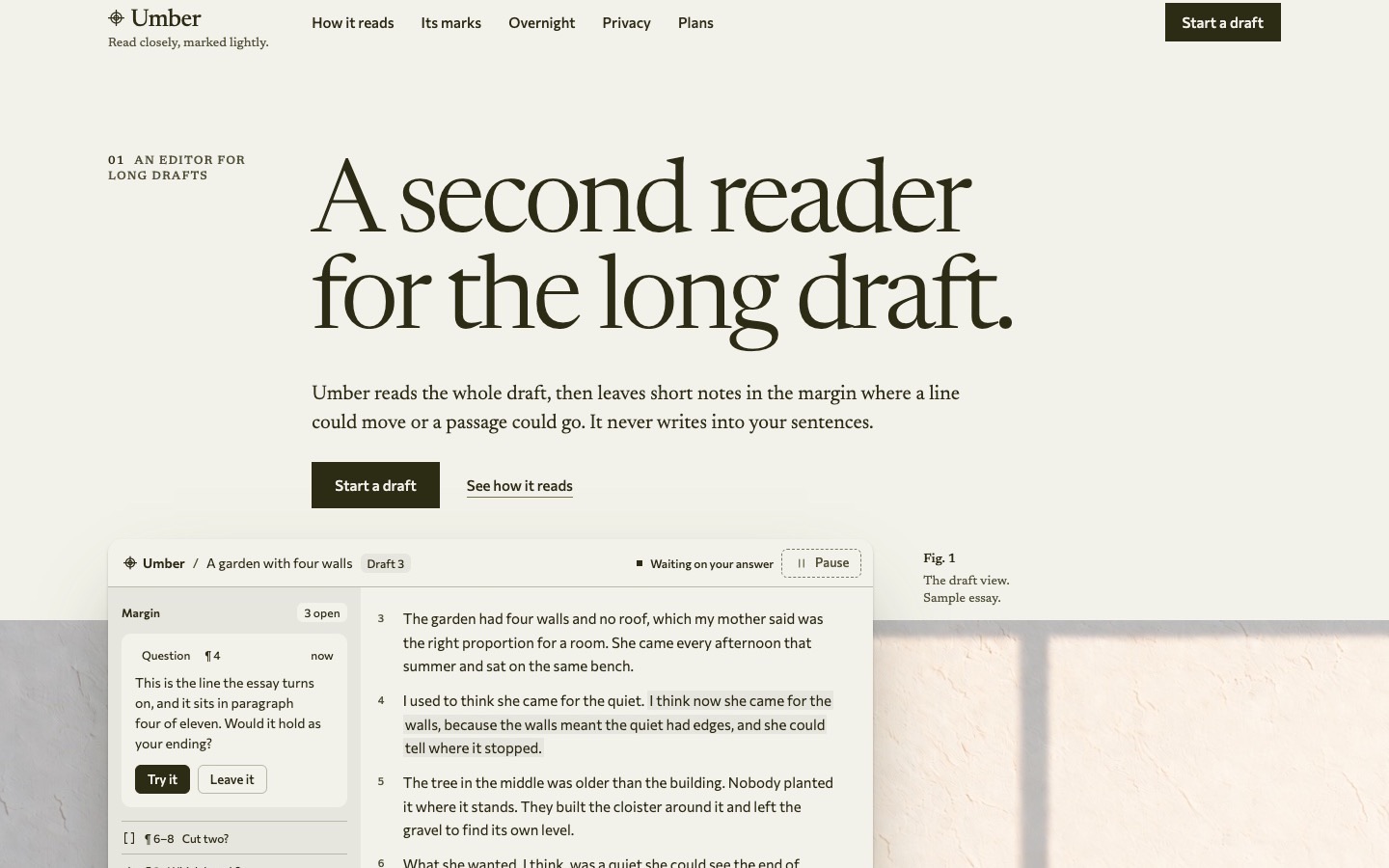
We recommend DesignPrompts when visual direction is the decision you want to settle first. Compare Botanical with Industrial, then inspect more than the hero. Look at navigation, a content section and pricing to see how each style carries through a page.
For a complete starting point, choose a System in the Gallery. The page and its rules are supplied together, so your agent can adapt the design with the source and instructions in the same project.
How does a coding agent install from each?
Install DesignPrompts LandingKit through the shadcn CLI with your Pro licence key in the environment. The installation guide shows the sequence. Systems download from your account and include their own README and workflow.
Studio offers MCP and IDE tools with access that varies by plan. DesignPrompts' separate MCP connector is in development. Both products already provide editable source; choose based on the design and workflow you will use. Studio pricing.
Compare the LandingKit styles, or open a finished System and judge it with your own content in mind.