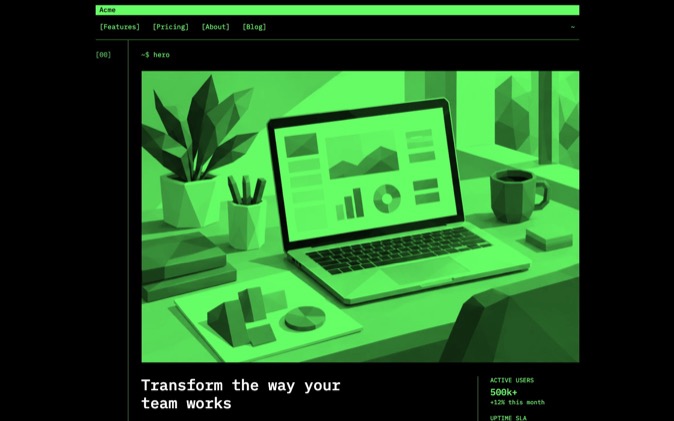
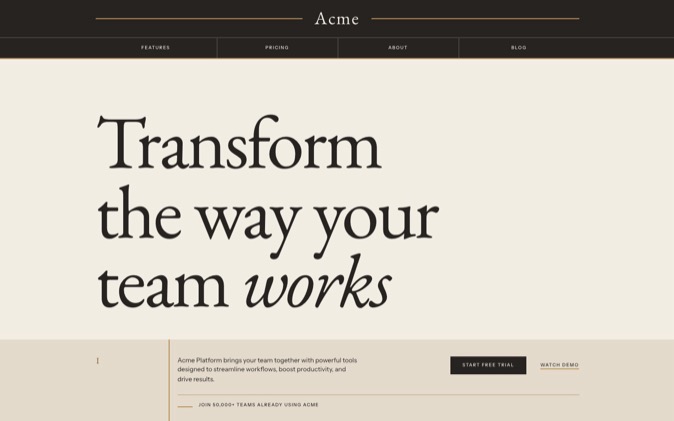
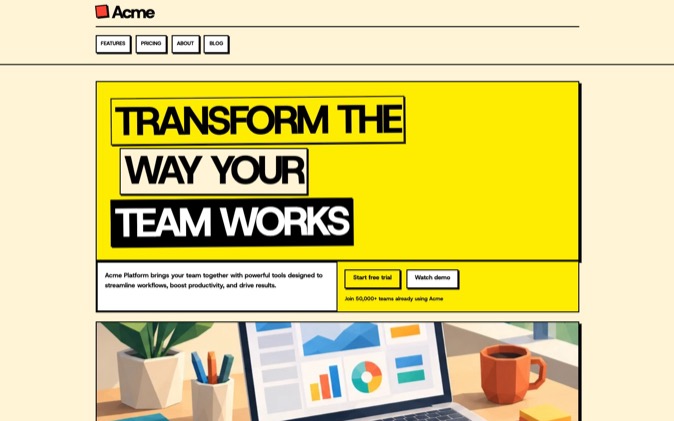
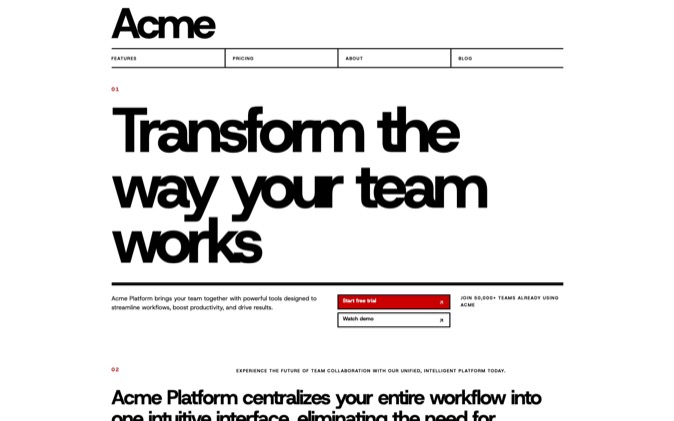
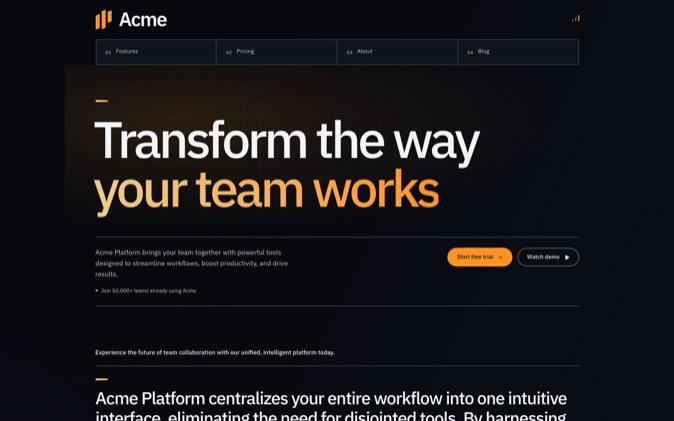
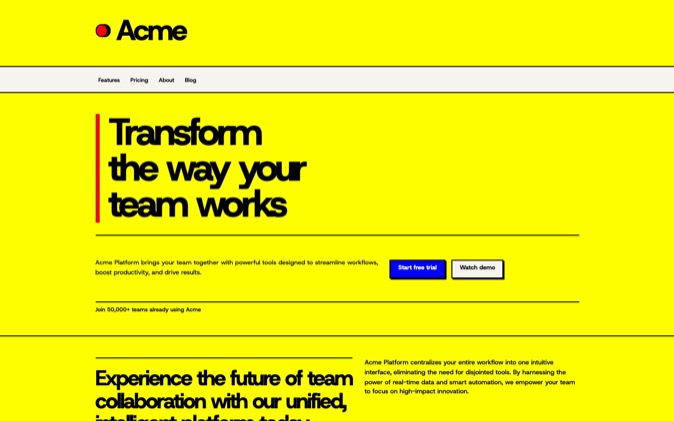
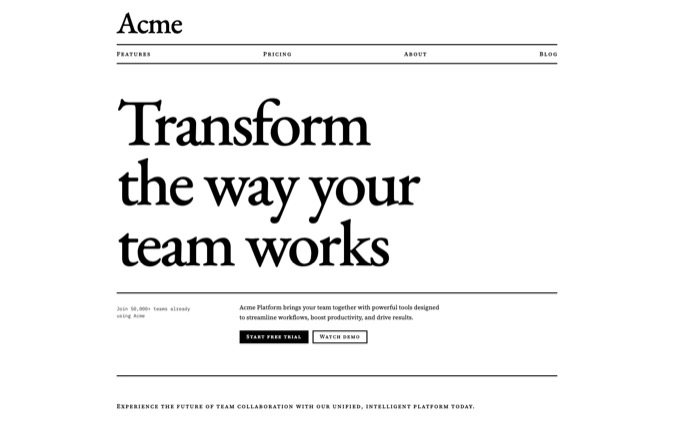
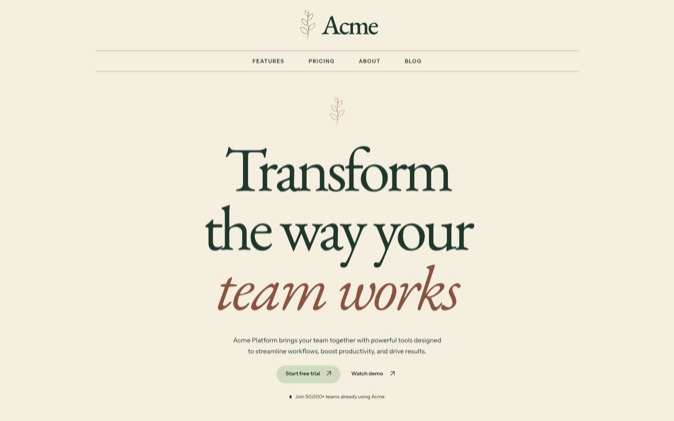
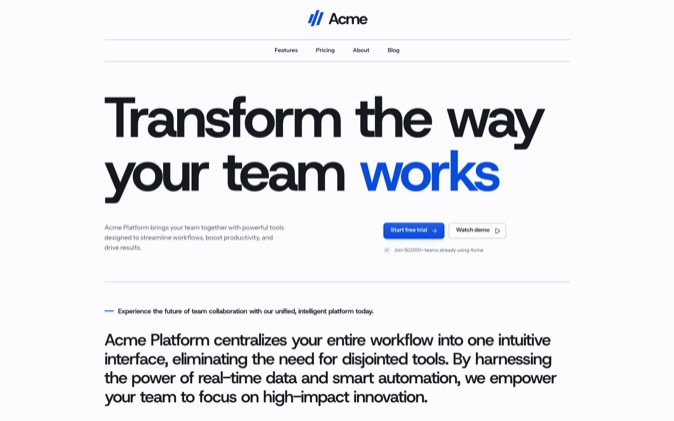
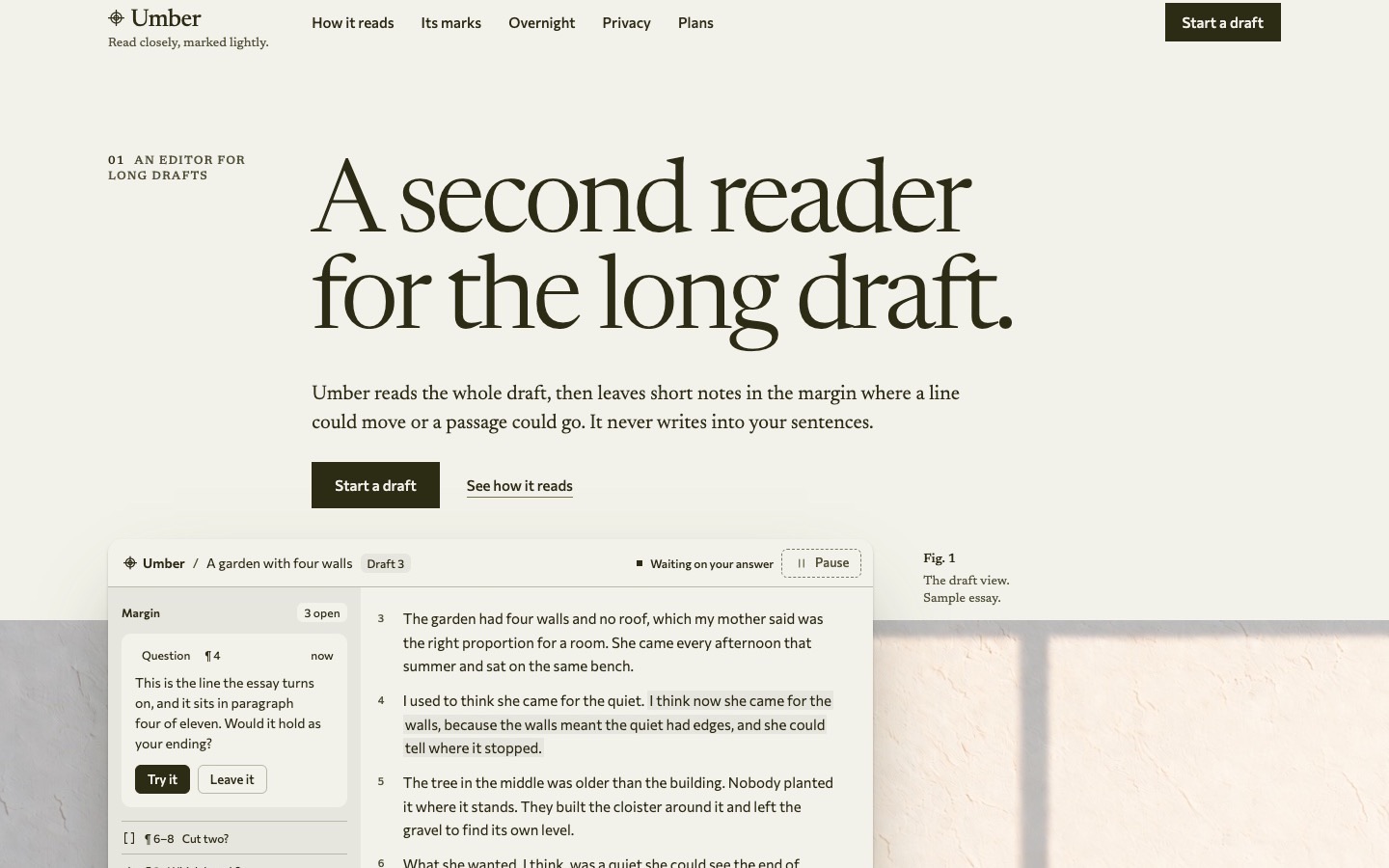
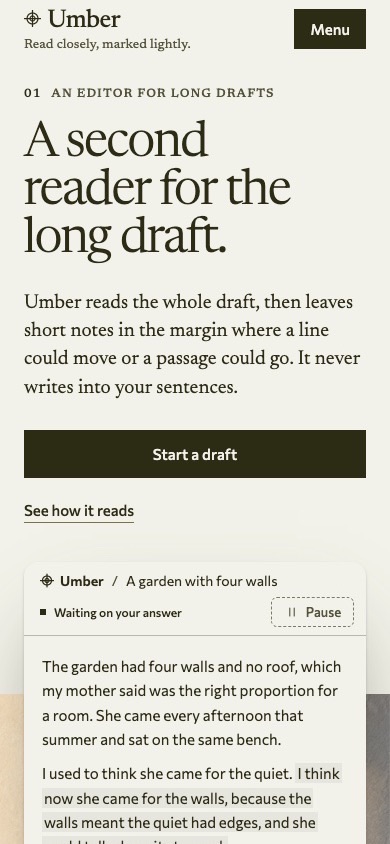
Choose DesignPrompts Pro when you want a landing page with a distinct visual direction and working files your coding agent can adapt. LandingKit gives you 21 styles to build from; Premium Systems add finished pages with their source, design rules and agent skills. Shadcnblocks is a strong choice when you already know the block or template you need in an established shadcn project.
At a glance
| Your priority | Our recommendation |
|---|
| Different visual directions for your own sites or client work | DesignPrompts Pro: 21 Style packs and complete Systems |
| A finished page with the rules your agent should follow | DesignPrompts Pro: source, DESIGN.md, prompts and skills together |
| A large selection of individual shadcn sections | Shadcnblocks: browse its block catalogue for the exact layout |
| A one-time purchase with lifetime updates | Shadcnblocks: choose the edition containing your items |
Checked November 5, 2026. Prices are in US dollars. Competitor facts come from Shadcnblocks pricing and its licence. Our offer is documented on Pricing and in the Terms.
What does each purchase include?
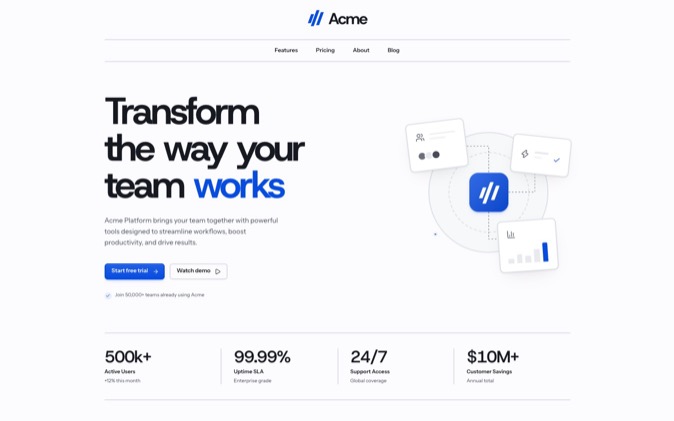
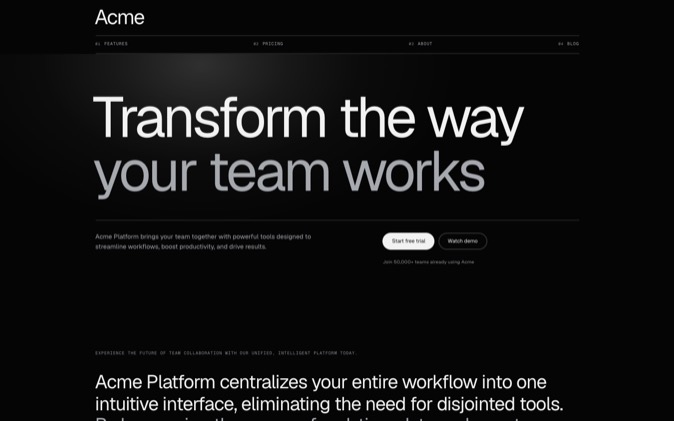
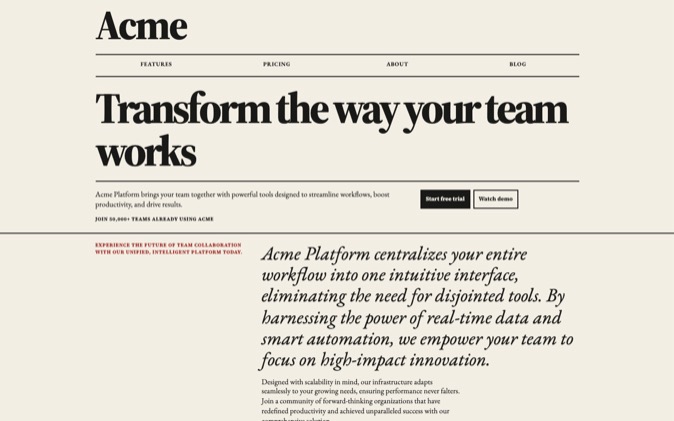
DesignPrompts Pro combines LandingKit with every Premium System. LandingKit has over 1,200 React blocks across 21 styles, plus controls and app screens. Within a style, your navigation, hero, pricing and closing section share typography, spacing and component treatments.
For example, compare Swiss Minimalist with Terminal. You can choose a ruled editorial direction for one client and a compact monospaced direction for another, then install the parts each page needs.
A System starts with a finished landing page. Its package includes React and Tailwind source, reusable components, assets, DESIGN.md, prompts, agent skills and proof. Your agent can read the decisions behind the design while adapting the files.
Shadcnblocks Pro includes paid components and blocks. Premium adds templates, Figma and an admin kit; Elite adds prebuilt pages and a page builder. Its catalogue offers a broader selection of individual blocks. Check the edition containing the section or template you want. Shadcnblocks pricing.
How do price, seats and contents compare?
| Purchase | Price and access |
|---|
| DesignPrompts Pro | $180 a year or $60 every three months; both plans include LandingKit and every System while subscribed |
| Shadcnblocks Standard Pro | $149 once; paid components and blocks, with lifetime access and updates |
| Shadcnblocks Standard Premium | $299 once; adds templates and kits |
| Shadcnblocks Standard Elite | $399 once; adds pages and the builder |
Shadcnblocks Standard covers one user; its Team licence covers up to 10 employees and contractors. DesignPrompts covers the organisation holding the subscription without a numerical seat limit. Shadcnblocks licence, DesignPrompts Terms.
Pro renews until you cancel. Access continues through the paid period. After it ends, you may keep using installed or downloaded files in the projects you used them in; new installs, downloads and updates stop. Shadcnblocks has the simpler long-term price for a buyer who wants a one-time purchase. The reason to choose DesignPrompts is the design work included and how much of it fits your projects.
Can your team deliver files to clients?
DesignPrompts permits unlimited client projects while Pro is active. You can hand over finished work with our files inside, and clients may keep using and changing that work. They do not receive catalogue access or rights to reuse a System in other projects. Terms.
Shadcnblocks also allows unlimited client End Products. Its licence restricts distributing components or derivatives separately from an End Product. Account for everyone who will access the purchased source when choosing its individual or Team licence. Shadcnblocks licence.
What happens if you request a refund?
DesignPrompts considers requests case by case. Shadcnblocks generally does not offer refunds, but its FAQ invites customers to raise exceptional circumstances with support. Neither statement guarantees a refund. DesignPrompts Terms, Shadcnblocks pricing FAQ.
Who should pick Shadcnblocks?
Pick Shadcnblocks when a particular navigation, application section or template solves the work in front of you. Its larger block selection and one-time payment are good reasons to choose it. Preview the item and confirm which edition includes it.
Who should pick DesignPrompts Pro?
We recommend DesignPrompts for developers and agencies who want each site to have its own character without designing every section from scratch. Compare a hero and a pricing section across LandingKit styles, then open a System whose complete page fits your brief.
Choose LandingKit when you want to compose the page yourself. Choose a System when you want to adapt an authored page and give your agent its rules as well as its code. Both are included in Pro and use React and Tailwind; LandingKit uses Base UI for behaviour.
How does a coding agent install from each?
For DesignPrompts, choose a LandingKit item, configure the registry in components.json, and provide your Pro licence key through DESIGNPROMPTS_LICENSE_KEY. Copy the item's shadcn install command. Your agent receives editable files in your project. The installation guide walks through the process.
Shadcnblocks supports the shadcn CLI, official shadcn MCP search and an IDE extension. DesignPrompts' separate MCP connector is in development; LandingKit already installs through the shadcn CLI. Shadcnblocks pricing.
Systems download from your account. Have the agent read the package's README and DESIGN.md before adapting it.
Compare LandingKit styles with a section you need for your next project. To try the design workflow first, use the free Start, choose a template and a look, then select Get prompt and Copy prompt. No sign-up is needed.