DESIGN.md records the visual rules a coding agent should follow in a project. In a DesignPrompts System, it sits beside the working page and explains the design rules and voice, with links into the supplied prompt. Give the agent that file before it changes the interface, then check the result against its rules.
The filename is a project convention. Putting a file in the root makes it easy to point to; it does not establish that every agent will discover or load it automatically. Reference it from the file your agent reads at the start of a session, or explicitly ask the agent to read it.
What a good one contains
A useful DESIGN.md describes the visual character and names the files that own its implementation. It should make clear which rules apply across the project and where a particular part has its own contract.
Cover typography, colour, spacing, geometry, image treatment, components and motion. Explain which tokens serve which roles and point to their authoritative definitions. Keeping exact values in the stylesheet avoids maintaining a second palette or spacing scale in prose.
Give rules a reason. If a heading rail keeps sections aligned, explain the relationship it preserves. If a status colour belongs only on small signals, say what those signals mean. An agent adapting the page needs to know which decisions it can change together.
Record what would break the design, such as introducing a second decorative typeface or changing a flat, ruled layout into floating cards. Include responsive behaviour, readable contrast, visible focus and reduced-motion treatment.
Finally, name the proof to run. State which commands check the project and which rendered states need inspection. A rule about an open disclosure or a narrow comparison row needs a check of that state.
A small example
A useful instruction connects the decision to the file that implements it. This example assumes your project keeps its shared tokens in src/styles/tokens.css:
text
Use the typography and spacing tokens in src/styles/tokens.css.
Align section headings with the main content column.
Keep comparison rows compact so readers can compare plans without losing their place.
Reuse the existing button component for primary actions.
After changing a section, inspect it at desktop and phone widths and test keyboard focus.
Replace those paths and rules with your project's actual owners. A DesignPrompts System supplies its own DESIGN.md alongside the page it describes, so the agent can connect the instructions to working source.
What a weak one leaves out
A weak design contract lists preferences without identifying their owners. "Use consistent spacing" does not tell an agent which spacing scale to use or where to find it.
A document can also become too specific in the wrong way. Copying every CSS value into Markdown creates two places to update. Describing only the current homepage leaves the agent without guidance when content changes. A useful contract preserves the relationships that give the design its character.
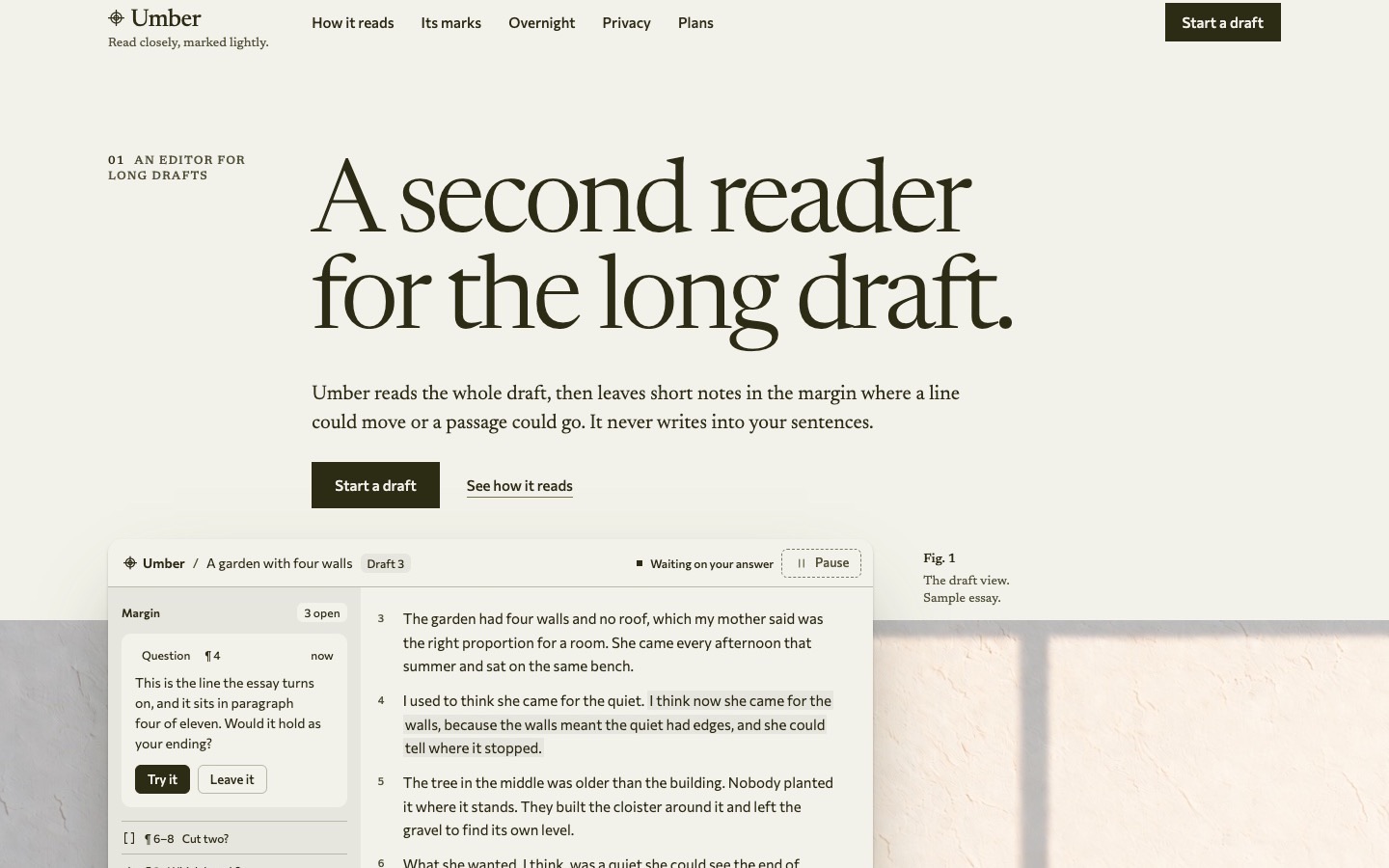
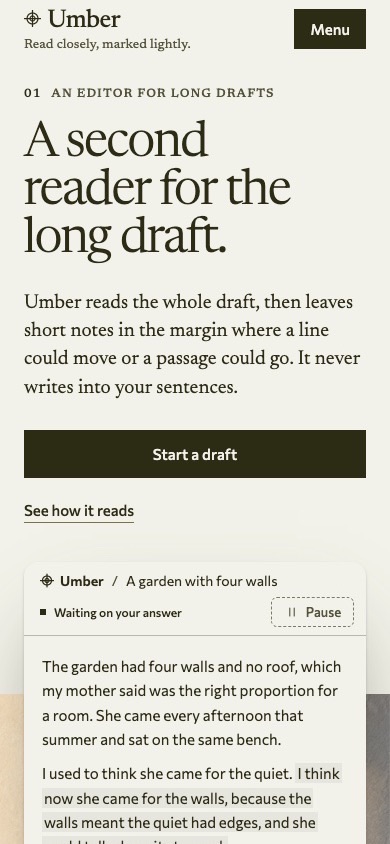
A screenshot alone leaves component states, responsive changes and implementation ownership unstated. It can accompany the contract, but the agent still needs the rules and working files behind it.
Examples
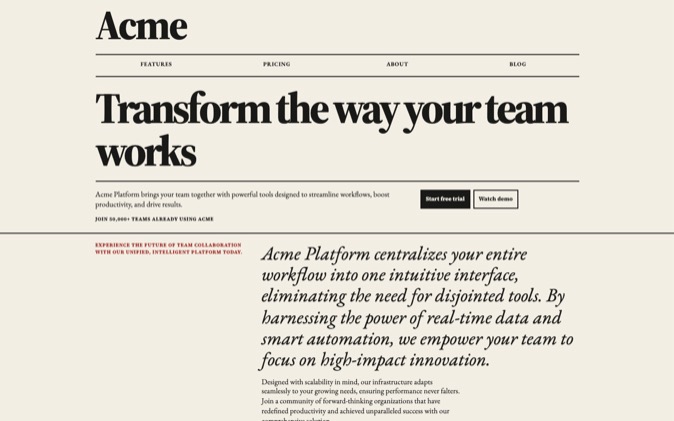
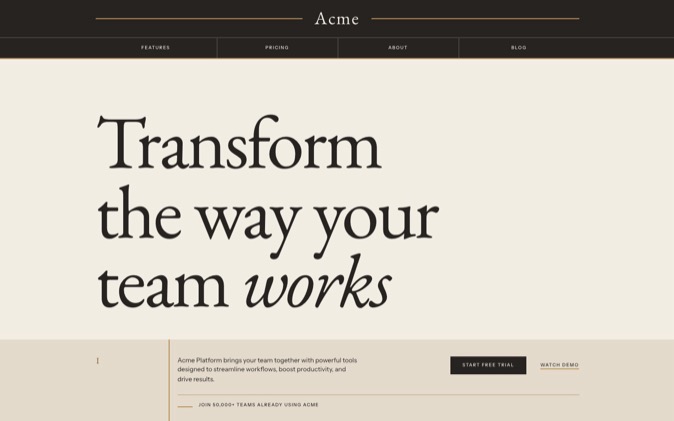
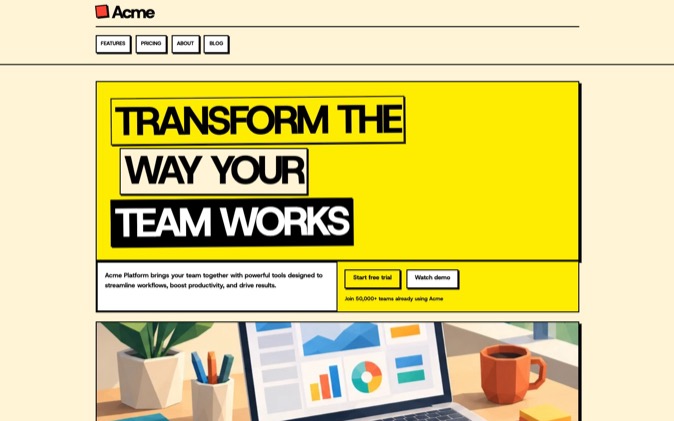
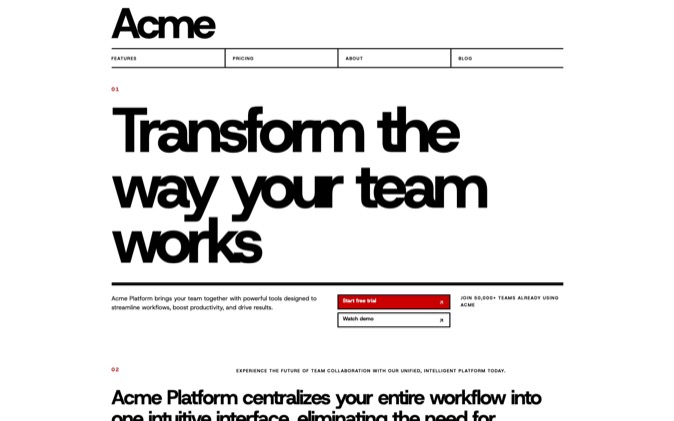
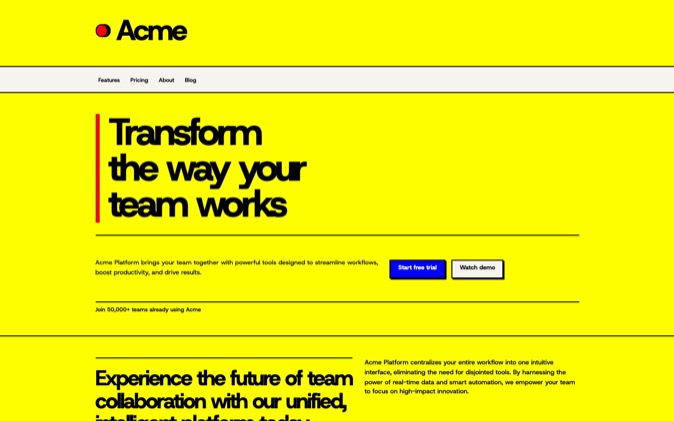
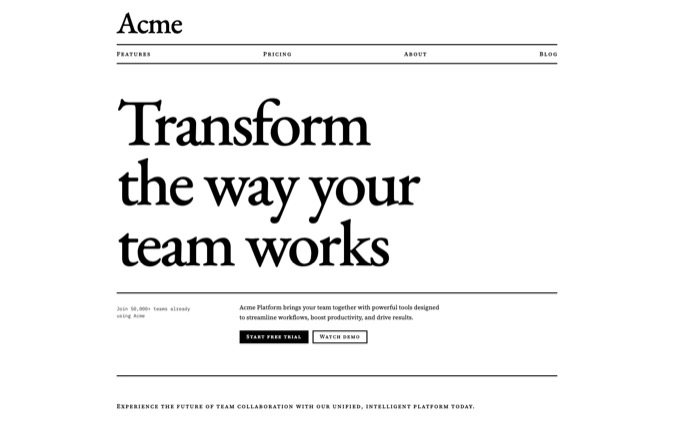
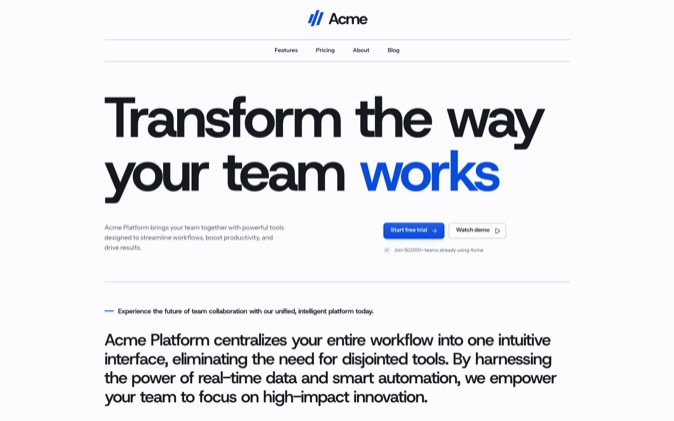
The Swiss Minimalist style illustrates the kind of relationship a design contract should explain: section headings and main content share a grid, with black rules and restrained red signals. Monochrome shows a different contract, built around serif hierarchy, a heading rail and flat black-and-white fields. These Style pages show each pack's visual rules and link to its components; complete System packages are in the Gallery.
Every Gallery System includes its own root DESIGN.md. Its React and Tailwind project includes tokens, reusable components and the design prompt. Follow the package README for the files and commands belonging to that System.
The prompt folder also holds the briefing, layout, build, image and review workflow. Supplied skills cover making a page, changing a section, adopting the System, making images and checking a page. PROOF.md records measured contrast, page weight and reduced-motion behaviour.
The System package guide explains those parts and how they fit together.
Limits
A design contract guides an agent; it does not enforce itself. The agent must read it, follow the right implementation files and check the page after editing. Different agents and models can interpret the same rules differently.
The supplied proof describes the supplied package. Changes to colours, fonts, layout or motion can change those results. Run the documented checks again and inspect what you changed.
Inspect a finished page in the Premium Gallery to choose the design you want your agent to build from. Pro includes every System and LandingKit while subscribed.