A design prompt gives a coding agent the visual decisions and implementation guidance for a page. A useful one tells it what belongs on the page, how the parts should relate and what the visitor needs to do. DesignPrompts' free Builder combines those choices into a prompt you can inspect and copy.
What a good one contains
The Builder keeps three kinds of decisions together:
- The page plan puts blocks in order and selects their layouts and options.
- The look specifies typography, colour, spacing, shape and imagery.
- The brief describes your product, audience, voice and requirements.
Each has a job. The plan says where the hero belongs. The look sets its treatment. The brief tells the agent what it needs to communicate.
For example, this short design brief is more actionable than a list of mood words:
text
Build a landing page for a command-line backup tool.
Lead with the install command and a short explanation of what gets backed up.
Use monospaced headings, a dark ground and compact ruled sections.
Follow with setup steps, supported storage and the download action.
Use only the product facts supplied in the brief.
Preserve the existing download route and test it after the build.
This is an illustrative brief, not an exported Builder prompt. The Builder gives you controls and a preview for choosing a fuller page plan and look.
What a weak one leaves out
"Make it modern" leaves typography, density, hierarchy and composition open. A palette alone does not assign colours to actions or reading text. A list of sections does not tell the agent which information should lead.
Give the agent real content and name anything it must preserve: the stack, routes, forms and other behaviour. Include readable text, keyboard access and narrow layouts in the result you expect to review.
Make the choices in the Builder
Open the Start, pick a page template and a look, then inspect the preview. For a shop, try Shop with Storefront and judge it against your product photography. For a CLI, try Developer tool with Terminal.
Select Get prompt and Copy prompt to hand the result to your coding agent. Choose Edit in Builder when you want to rearrange blocks, change their layouts or tune the look. Blank is available in the Builder if you want to start empty.
The Builder produces a prompt. Your coding agent writes the implementation in your project.
Use Style pages as visual references
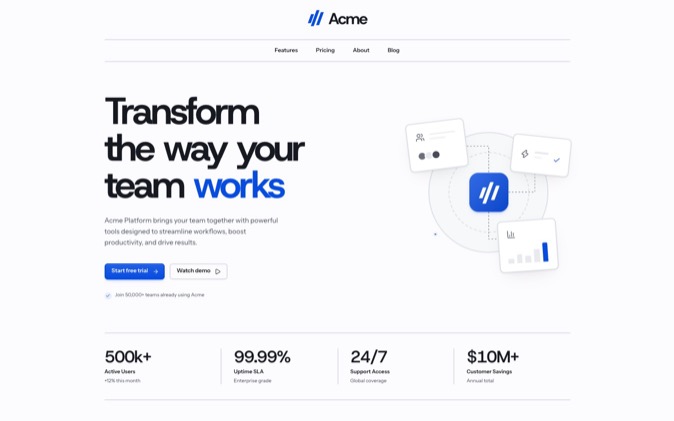
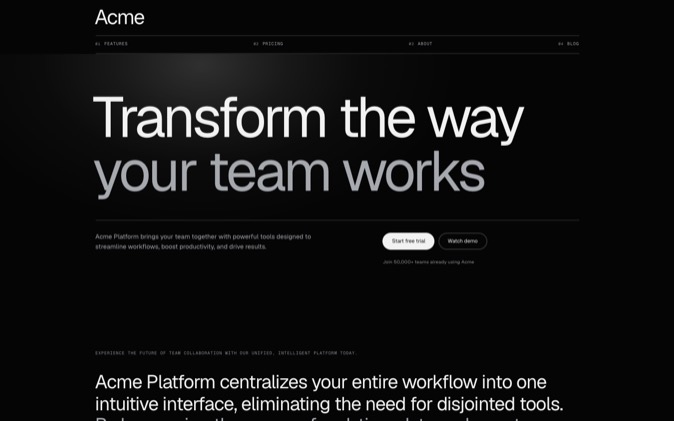
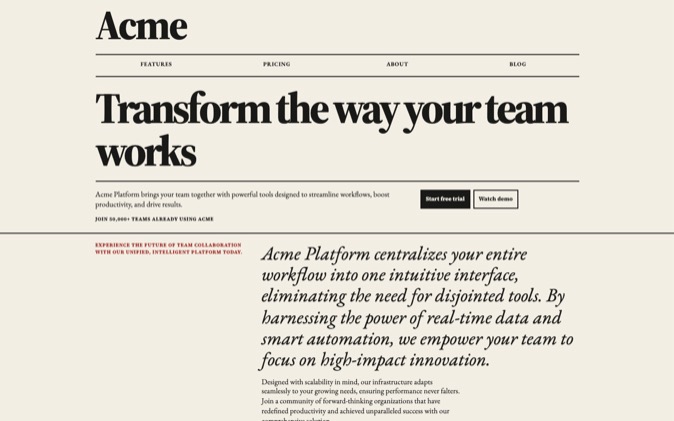
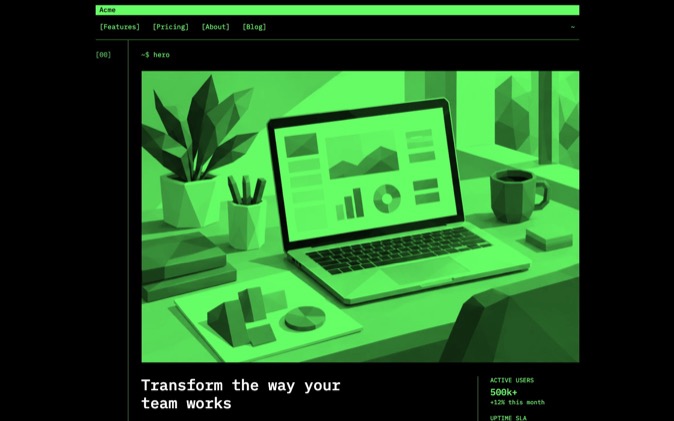
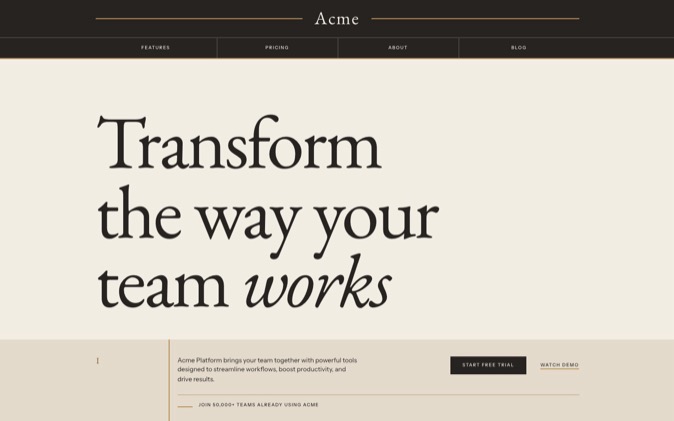
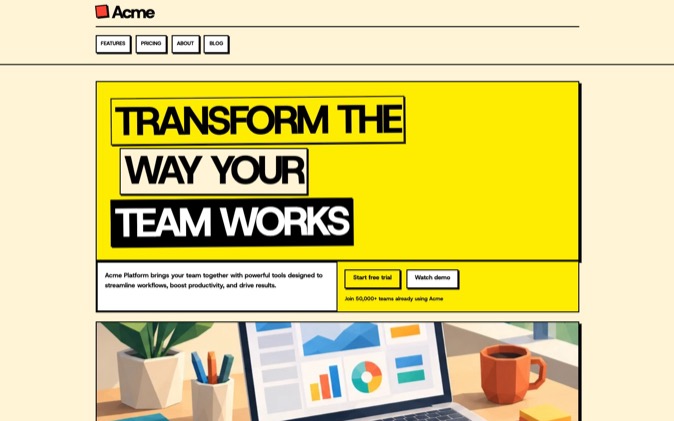
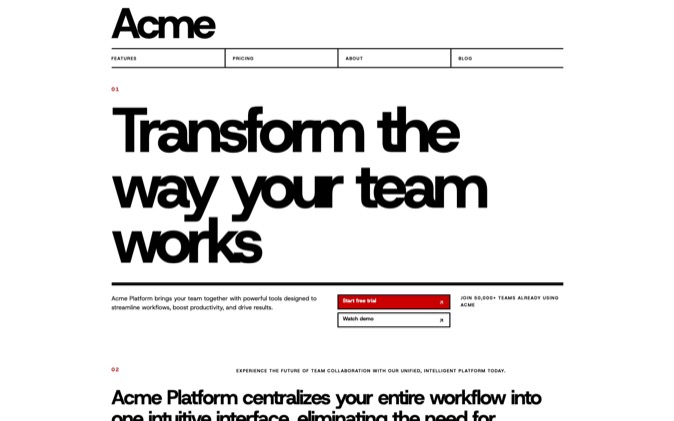
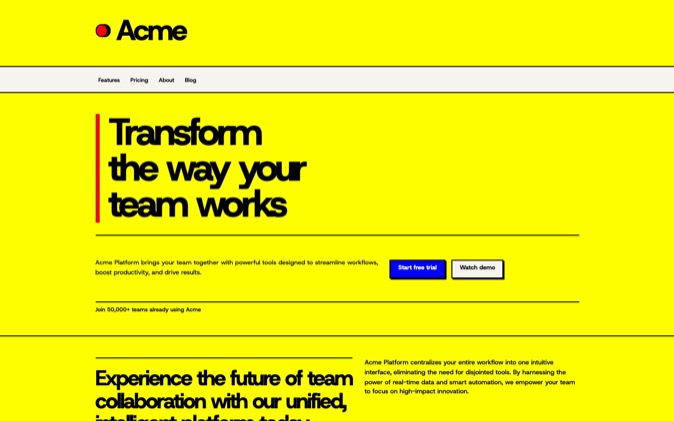
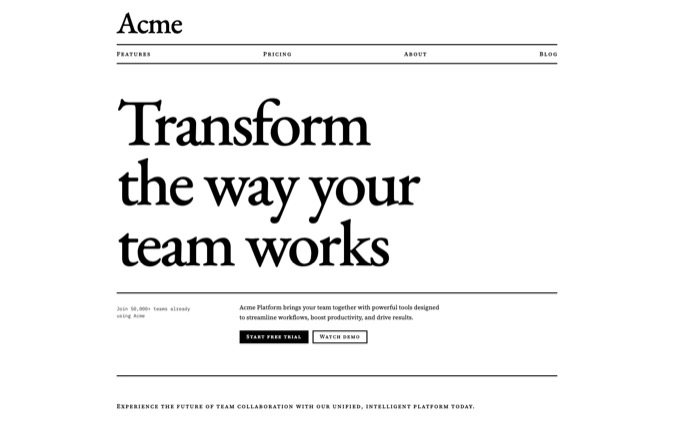
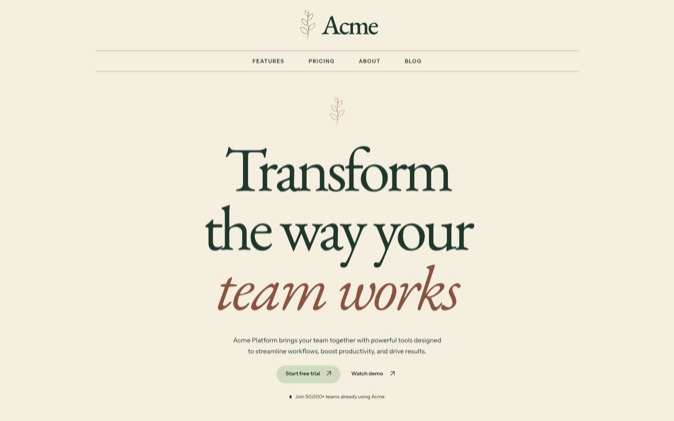
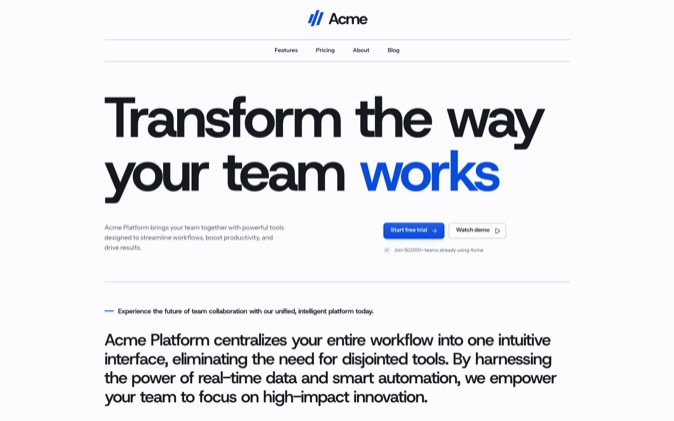
DesignPrompts' LandingKit styles show how complete visual directions work across a page. Compare Swiss Minimalist and Monochrome to see how grid, typography and surfaces change the result.
For working React files in a style, install its LandingKit components with Pro. A Premium System goes further by supplying a finished landing page with its source, design rules, prompts, agent skills and assets.
Review what the agent builds
Check the rendered page against the chosen direction: heading wraps, spacing, image crops, component states and mobile layout. Test its actions and confirm product claims separately from the visual design.
A good prompt gives you decisions to review against. Try the free Start to choose yours before asking the agent to build.