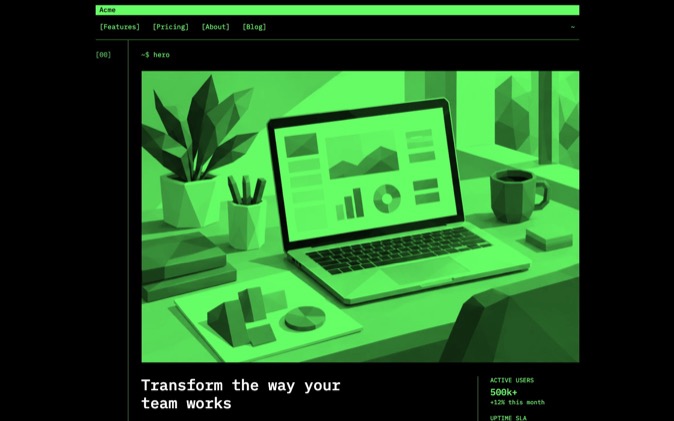
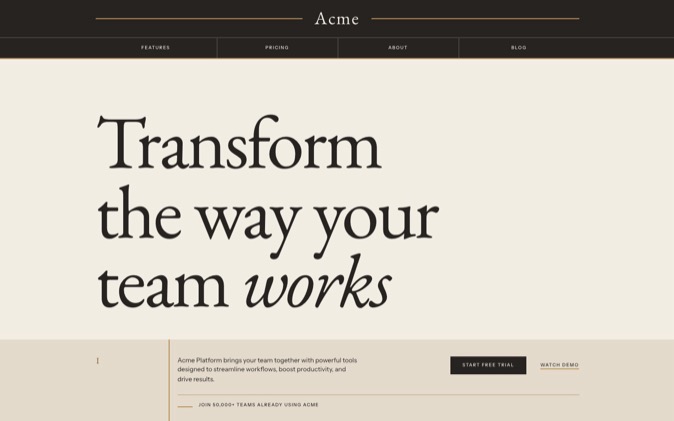
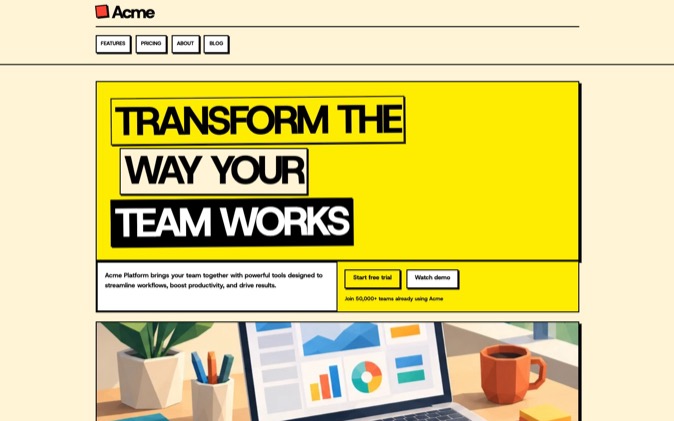
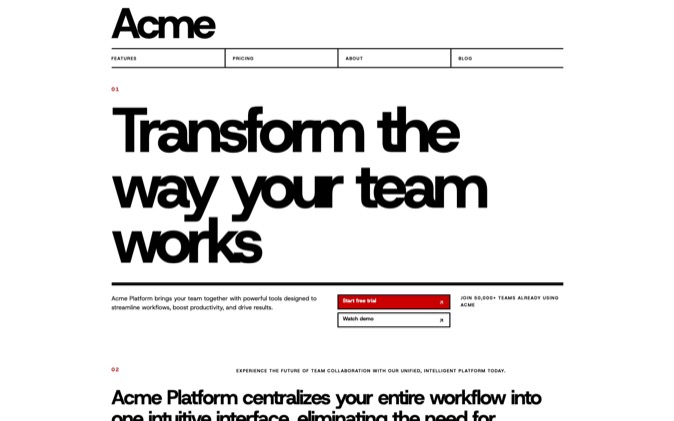
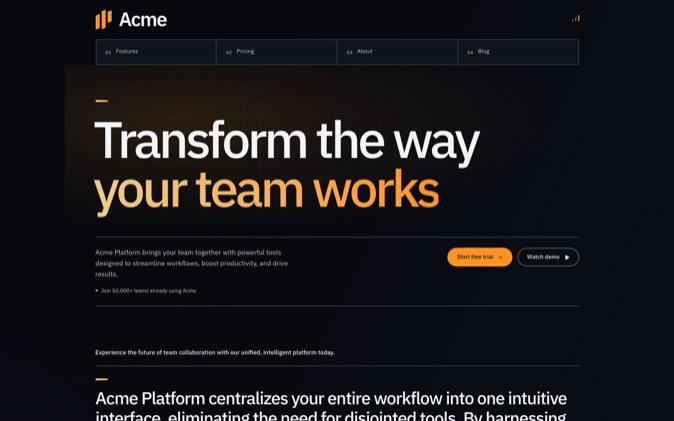
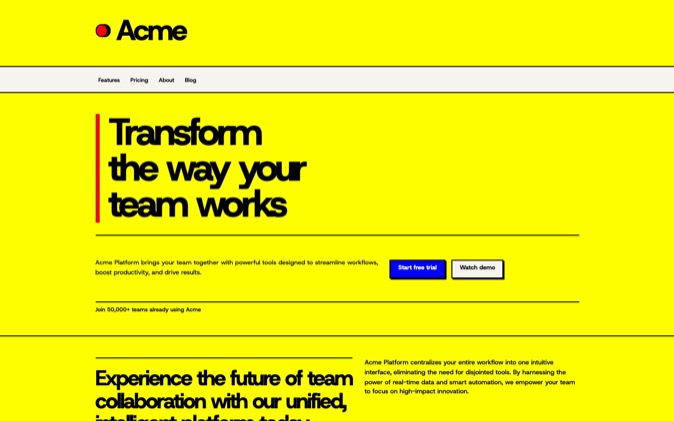
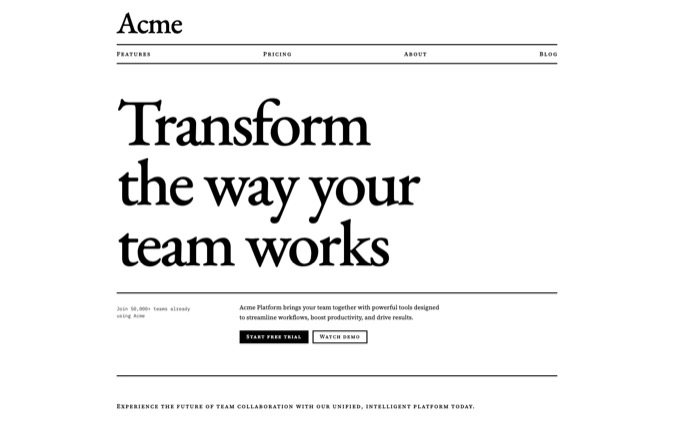
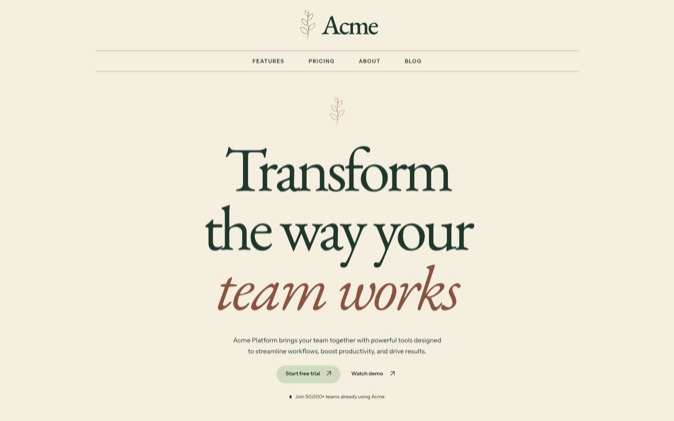
Developers pay for parts when they already know their product's structure and need useful sections or controls to fit it. A template is worth it when the whole page is close enough to the brief that adapting it takes less work than composing a new one. DesignPrompts Pro covers both starting points: LandingKit and Block Variations for parts, and Systems for complete landing pages with their design rules.
Why the content decides
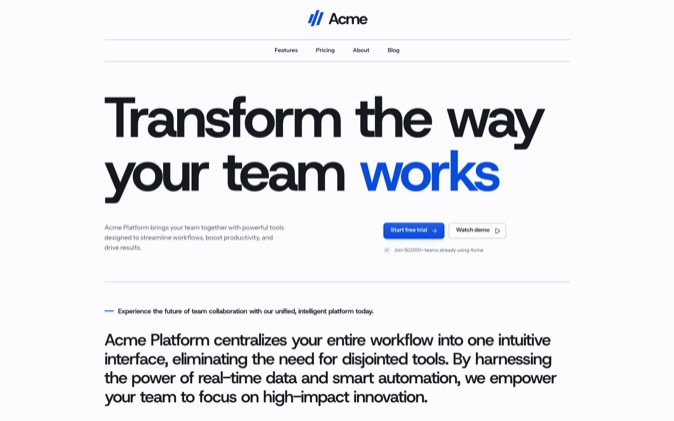
A template makes many decisions before you arrive. It chooses the navigation, section order, content proportions, imagery and the relationships between elements. Those decisions help when they match your product, but each mismatch becomes work.
Your screenshot may be wider than the template's illustration. Your pricing may need a comparison table instead of three cards. Your main explanation may take several paragraphs, while the original page assumes short labels. Replacing the sample text can reveal that the template's composition depended on content you do not have.
That mismatch is a reason to buy parts. They want a pricing section, navigation pattern or form that solves an immediate problem, and then they compose the page around their own content instead of unpicking a complete design.
Parts have their own cost. Components from unrelated sources may disagree about spacing, typography, dependencies and interaction. Editable source gives you control, but someone still has to make those decisions consistent.
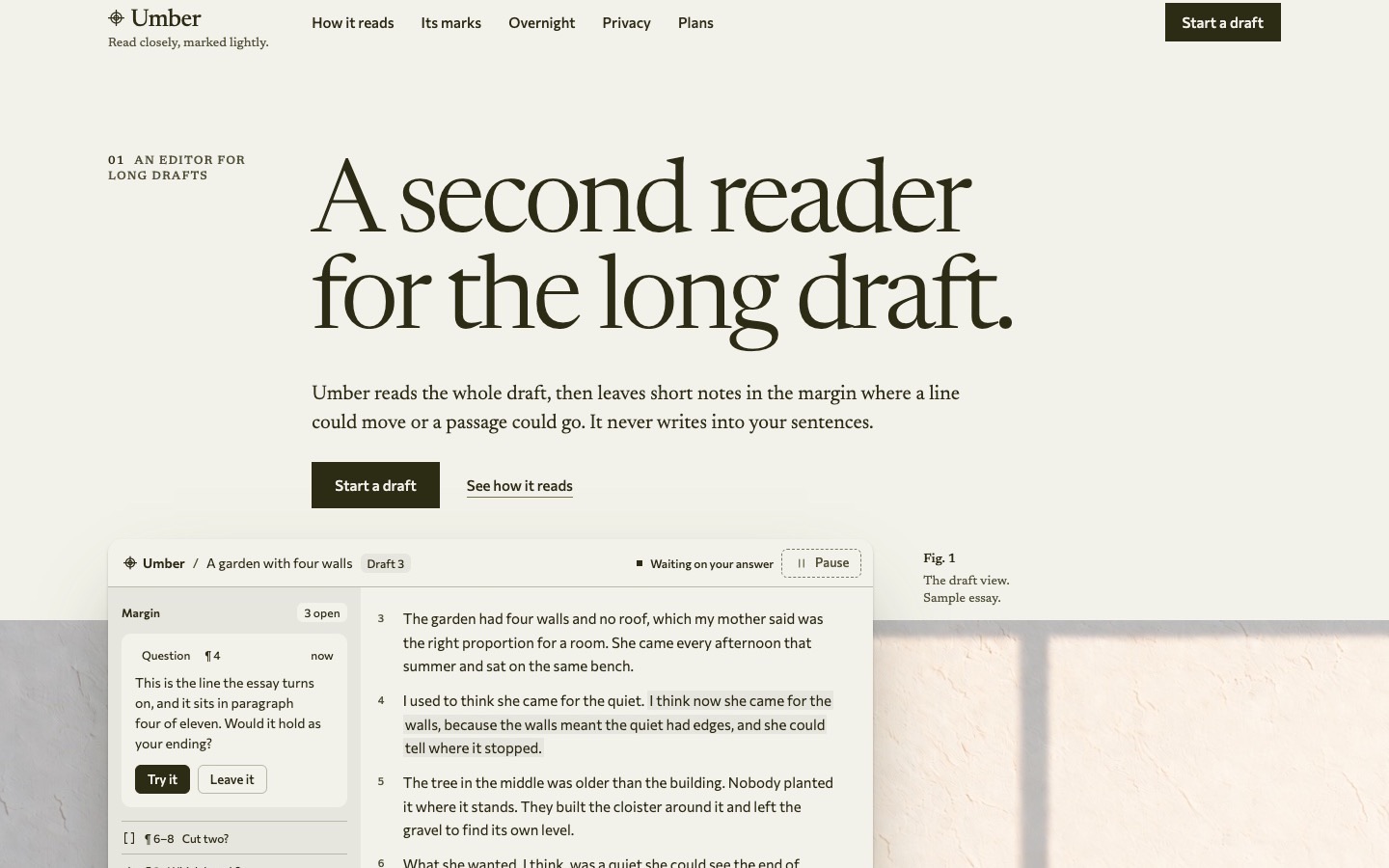
So a whole-page template can still be the useful choice. If you need one page in one look and its structure fits, keeping the authored composition can save you assembly you don't need.
Test the fit before buying
Write the page outline before shopping. List the information the reader needs, the action each section supports and the assets you have. That gives you something concrete to compare with a template.
Then test the fit with your own content. Replace the hero text, add your product image and try the longest likely navigation label. Check the pricing structure and the amount of explanation each feature needs. Count the meaningful changes you would have to make, rather than the sections that look attractive in a preview.
Choose components when the page structure is already yours. Look for parts that share conventions so you can combine them without rebuilding their visual rules. Inspect the source, dependencies and content inputs. A section is more reusable when you understand what it expects and where its layout can change.
Choose a template when its composition survives the content test. Keep the parts that already work together. You do not need to rearrange every section to make the result your own; adapt it where the product's information requires a change.
On either path, settle shared typography, spacing, colour and behaviour before extending the page. A written design contract helps you and your coding agent tell a deliberate exception from an accidental difference.
Finally, judge the purchase against work you expect to do now. Compare the actual section or page your current brief needs. That gives you a concrete way to judge the purchase.
Try one content test
Suppose your product needs a large dashboard screenshot, a detailed explanation and two pricing plans. Put those requirements against the preview. A template built around a small illustration and three short feature cards may need substantial changes.
With LandingKit, you can start with an image-led Hero Stage, choose content sections with enough room for the explanation and add the pricing arrangement your offer needs. With a System, choose a page whose existing composition already fits those proportions. The same brief makes the two paths easier to compare.
Where DesignPrompts fits
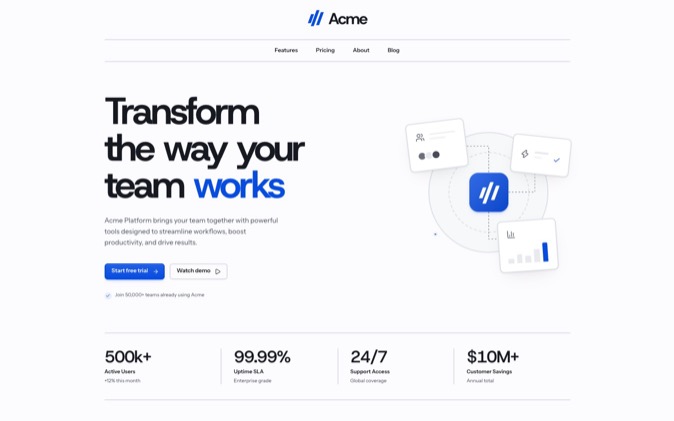
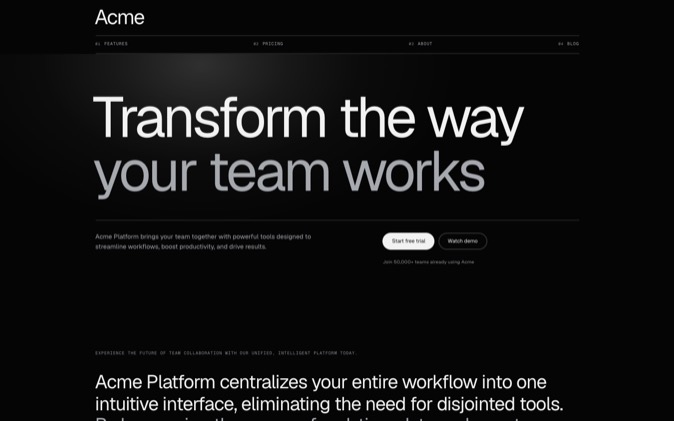
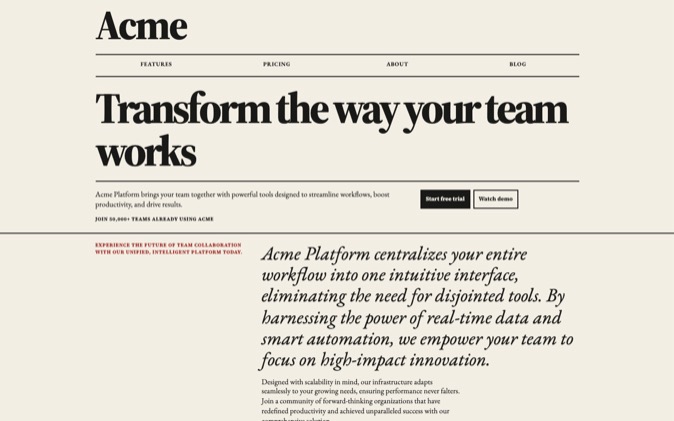
DesignPrompts LandingKit comes as Primitives, Blocks and Interfaces in twenty-one Style packs. You can compare the same part across the styles, then install individual files through the shadcn CLI with your Pro licence key.
Blocks in the same Variation group share a content contract. The Variations guide shows how installing another Block and changing the import keeps the content while changing its arrangement. For example, Hero Stage gives the image prominence, while Hero Proof leads with figures.
That shared contract applies within the relevant group. Not every component can replace every other component, and your images may still need adjusting; the guide calls out checking the image crop.
For a whole page, a System includes its finished landing page and the React and Tailwind project behind it. Its component kit, DESIGN.md, prompts, agent skills, assets and proof explain how the design holds together and give your agent files to adapt.
A System is an authored starting point, and what it supplies is a landing page. You still need to replace the sample brand and content, connect your product and check the result after changes.
Use LandingKit when you want to choose the parts, or open a System when you want the whole page and its rules. Both paths are included in Pro while subscribed.