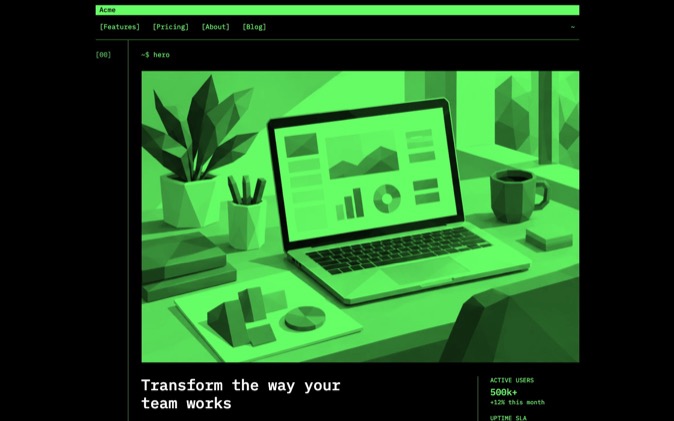
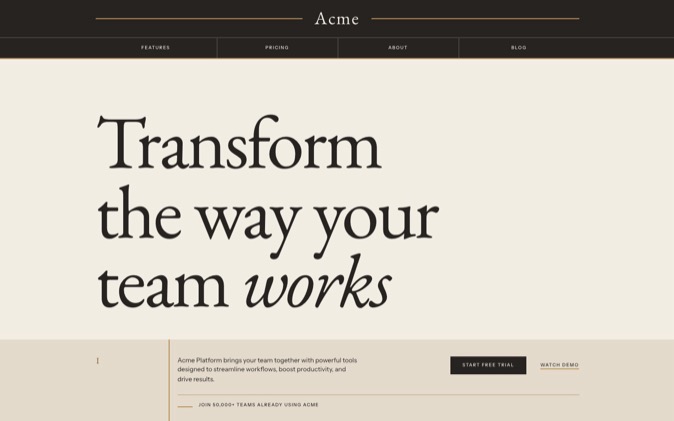
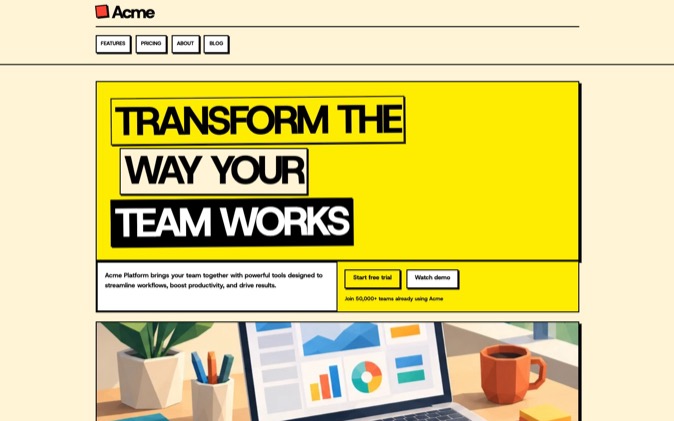
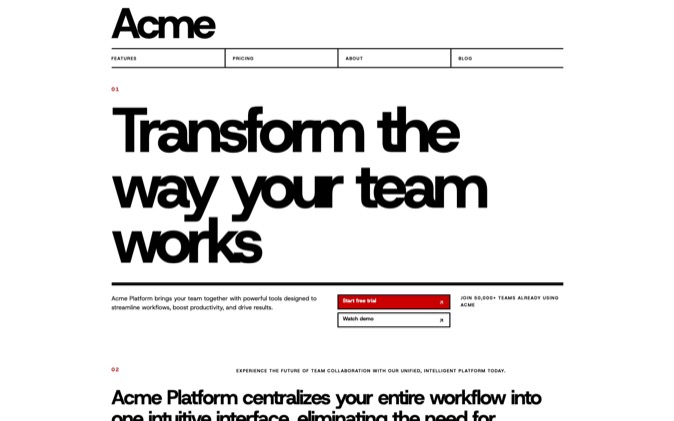
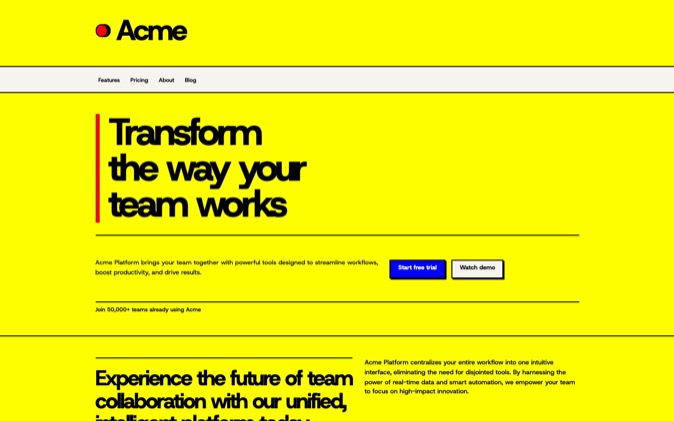
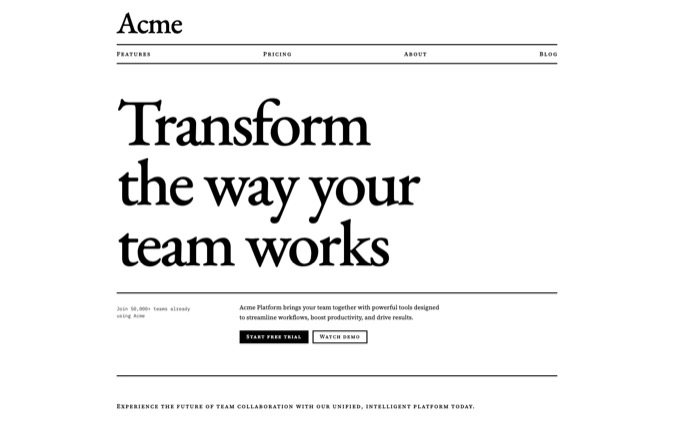
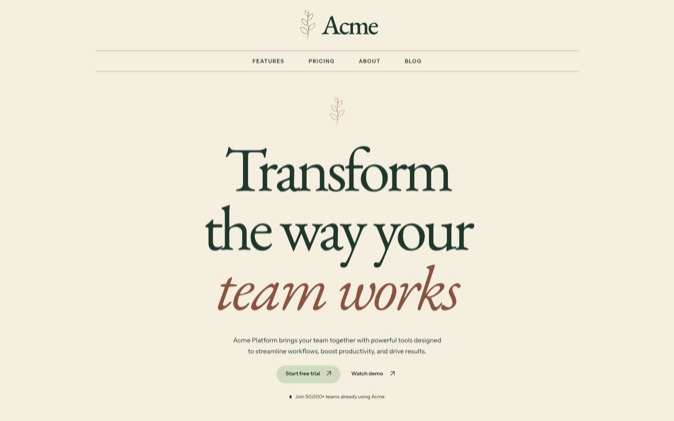
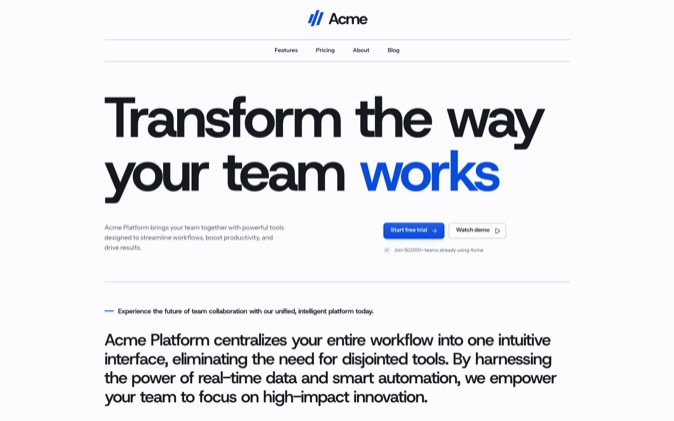
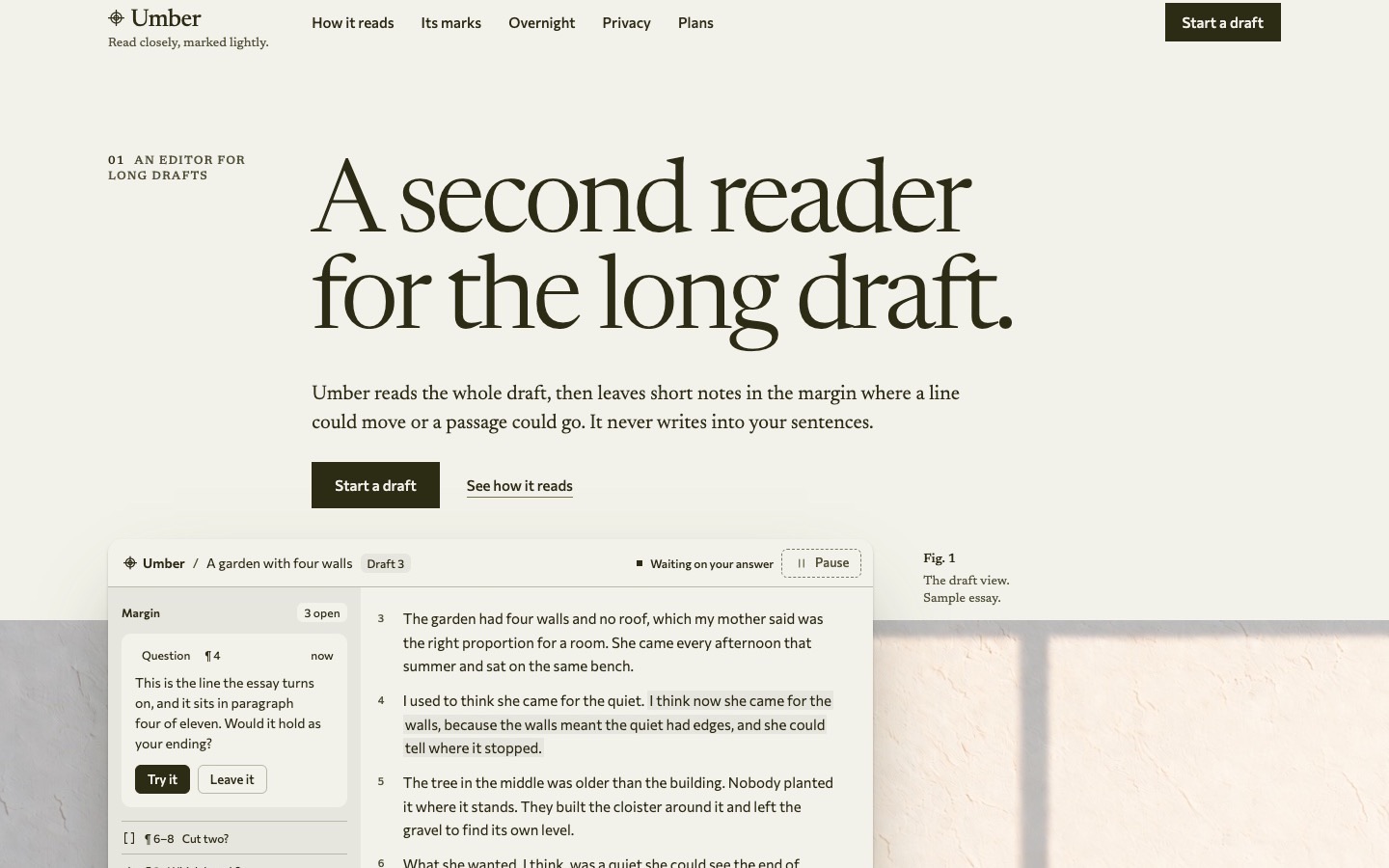
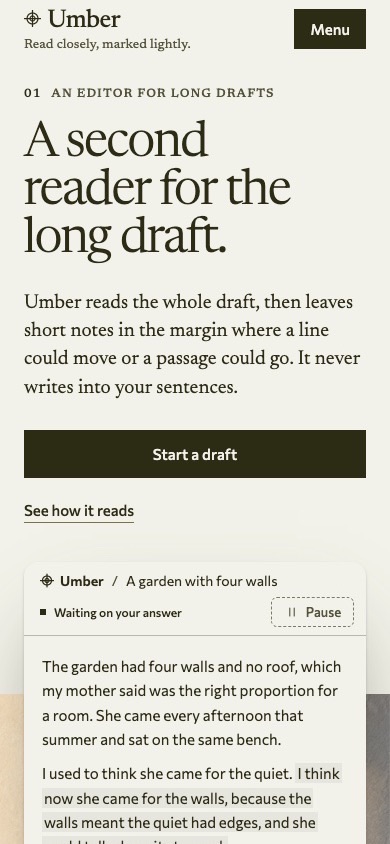
Keep a coding agent on your design by giving it a written contract, visible references and a check it must run after changing the page. Store that guidance in the project and tell the agent to read it at the start of each session. A DesignPrompts System supplies the finished page, design rules, prompts and agent skills together, so you can start with an example and a process for changing it.
Why it happens
Design drift can start when the agent has to make a decision the project has not settled. One section needs a border, another needs a heading size, and a third needs a new layout. Each local choice may seem reasonable while the page gradually loses its original character.
Rules kept only in chat are hard to carry into later sessions. A new agent may receive the latest task without the discussion that settled the typography or spacing. Even within one session, a vague instruction such as "keep the same feel" leaves many decisions open.
References only help when the agent has them. A screenshot on your desktop cannot guide an agent that never receives it, and a working page is more useful when you name the route, the relevant component and the state to inspect.
A successful build also does not prove visual fidelity. Code can compile while text wraps poorly, a mobile section loses its hierarchy or a new control ignores the project's spacing rules.
What fixes it
Start with a short DESIGN.md that answers the questions the agent will run into. Name the typography, spacing, colour roles, layout rules, component conventions and motion policy. Point to the source files that own exact values instead of keeping a second set of numbers in prose.
Make reading the contract an explicit startup step in your agent's project instructions, because not every coding agent loads a file called DESIGN.md on its own. State that the agent should read it before proposing or changing the interface, and check that it has done so.
Give rules reasons. "Use the shared content width" tells the agent what to do. Explaining that the width aligns the header, body and footer helps it judge a new section that does not resemble an existing one. Include a few justified exceptions where the design needs them.
Choose reference pages that show different conditions: a spacious section, dense content, a form and a narrow layout, if your product contains them. Name the exact examples, and provide screenshots when the agent cannot run the application.
Before the agent builds, ask it for a brief account of the existing parts it will reuse and the rules the change affects. This can expose a missing decision early. Make new product choices yourself instead of letting them slip in unnoticed during implementation.
Then make the proof step repeatable:
- Run the project's build and relevant behaviour checks.
- Render the changed page at the agreed desktop and phone widths.
- Inspect the changed interaction, including focus, errors or empty states where relevant.
- Compare the result with the named reference.
- Report deviations and the rule that justified each intentional change.
Automate checks that have a definite answer. A script can detect prohibited raw values or check a required token. Screenshots and visual inspection still matter for composition, text wrapping and the relationship between sections.
When the same correction recurs, change the shared component, token or check that controls it. Repeating "please keep the spacing consistent" in chat leaves the cause in place.
A concrete correction
Suppose an agent adds a feature section with round floating cards to a page built from flat, ruled sections. Point to the existing section and the rule it should follow:
text
Rework the new feature section using the existing section layout and tokens.
Keep the shared content width, heading alignment and flat ruled treatment.
Preserve the new copy. Compare it with the pricing section at desktop and phone widths.
If this correction keeps recurring, put the shared treatment in the component or stylesheet the agent reuses. Keep the reason in DESIGN.md. That gives the next session both the implementation and the decision.
Where DesignPrompts fits
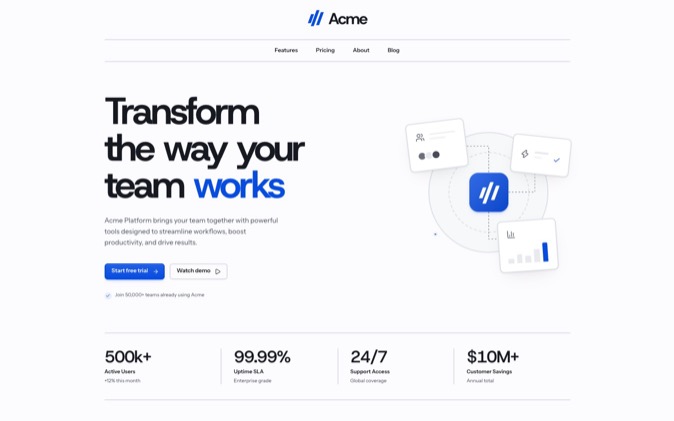
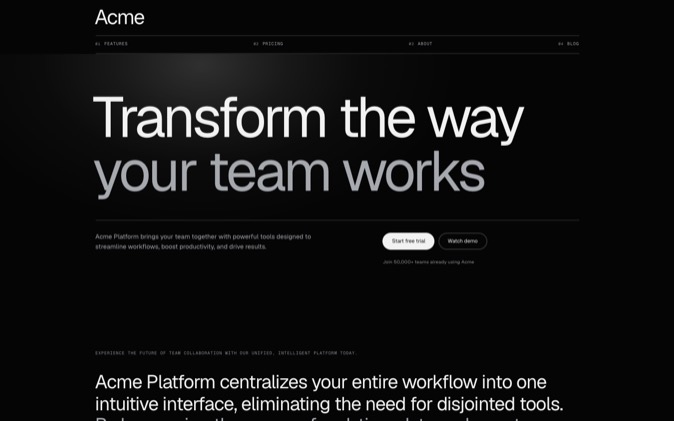
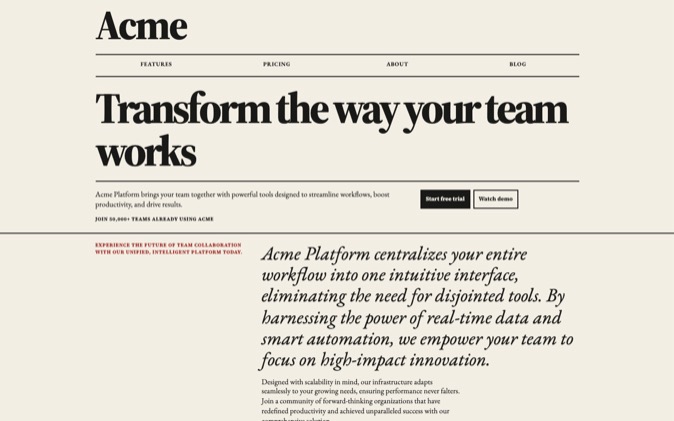
A DesignPrompts System supplies a finished landing page and the working files behind it. Its DESIGN.md records the visual rules and voice, its prompts cover briefing, layout, building and review, and its agent skills cover tasks such as changing a section or checking a page.
The package also includes PROOF.md, which records contrast, page weight and reduced-motion behaviour for the supplied page. Follow the README and run the package's checks after adapting it. The original proof describes the original artifact; your changes need their own verification.
The System contents guide names the files so you can inspect the scope before buying. That scope is a landing page, and extending it into a larger application still requires decisions about the new screens and states.
The value is starting with those decisions documented and demonstrated in a working page. Your agent can inspect the example before extending it, and you can judge its changes against the same rules.
Browse a System's finished page and choose the design you want your agent to preserve. Pro includes LandingKit and every System while subscribed.