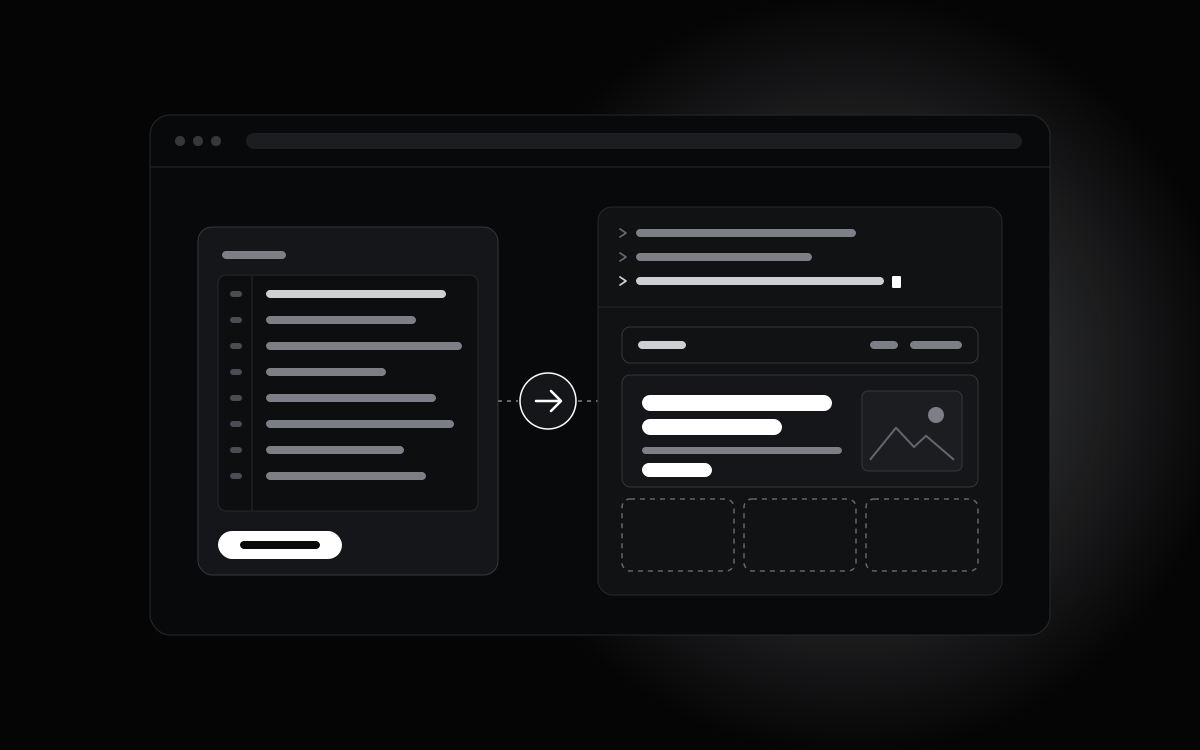
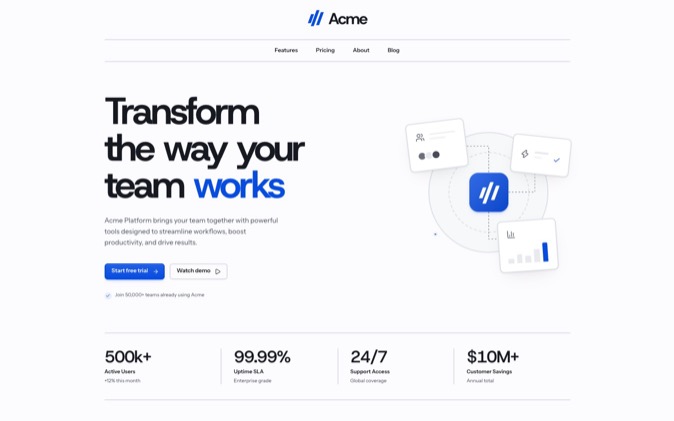
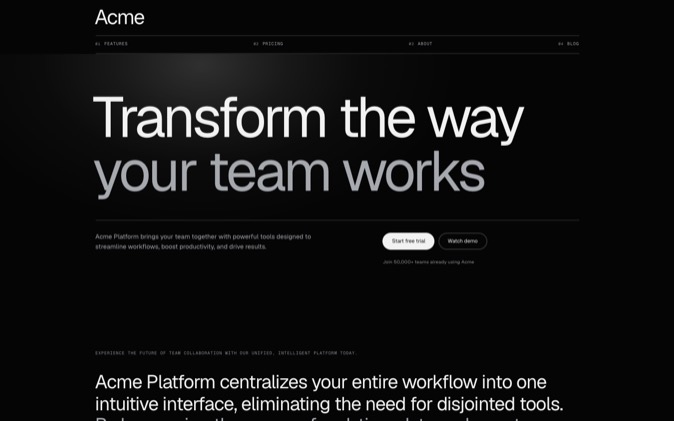
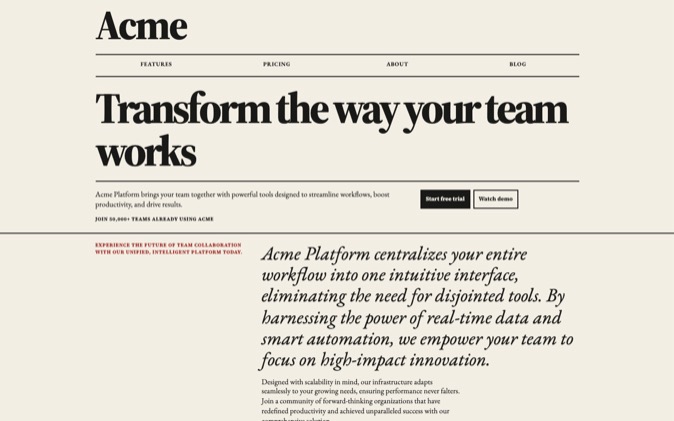
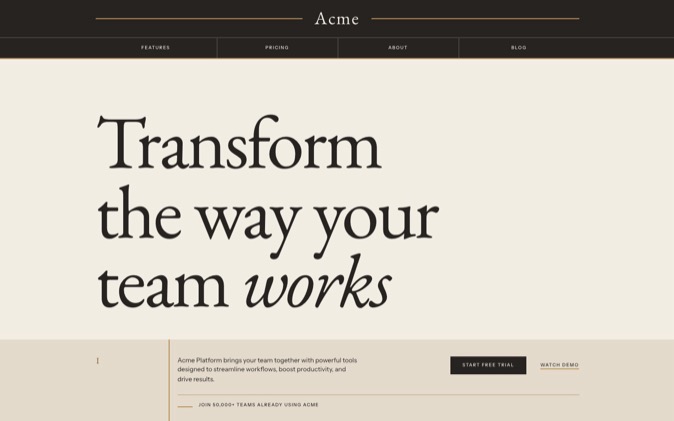
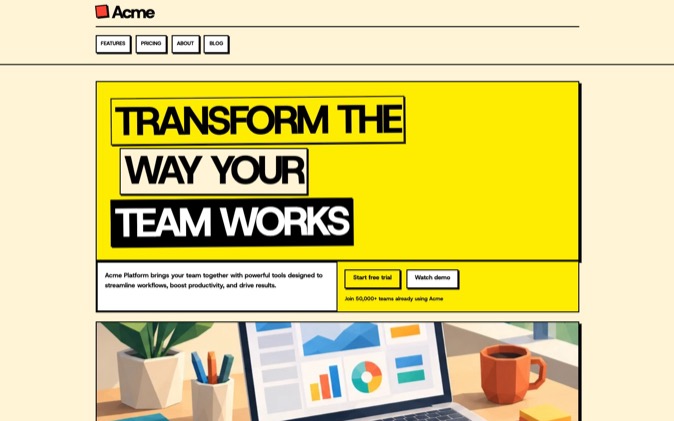
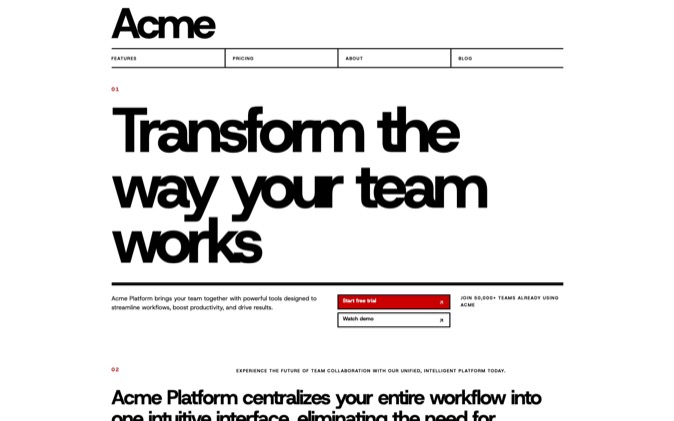
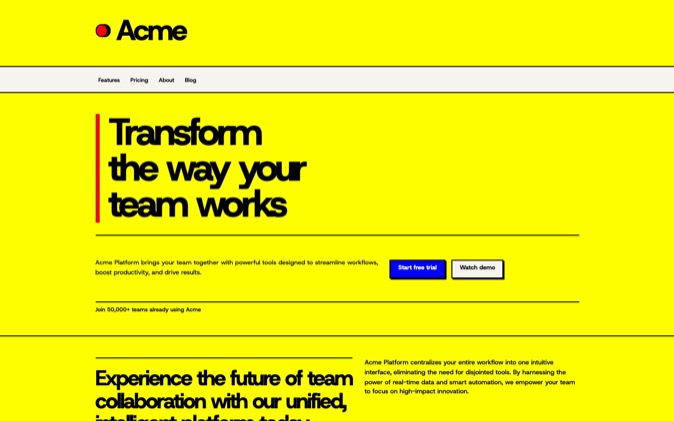
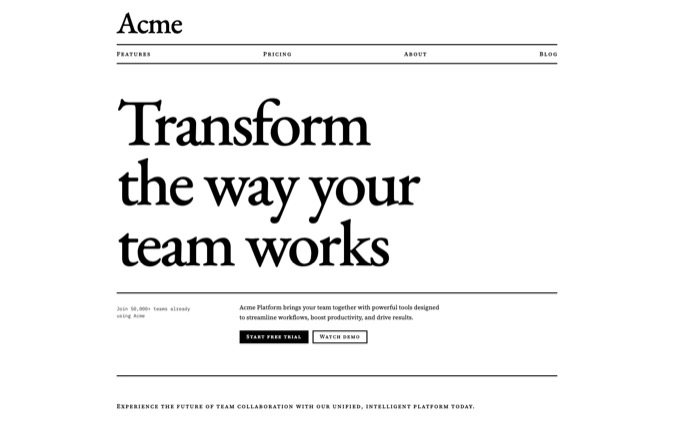
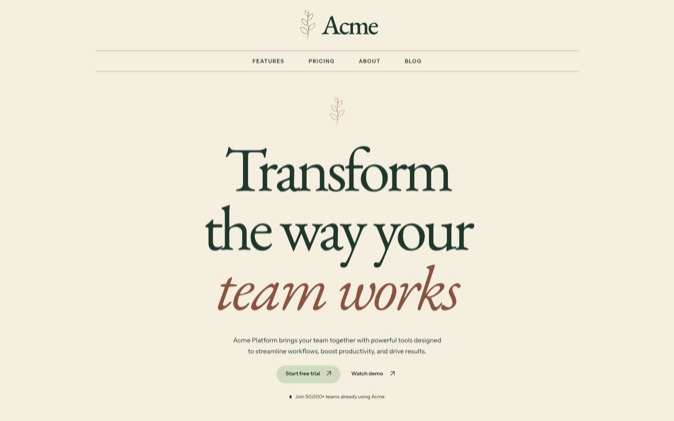
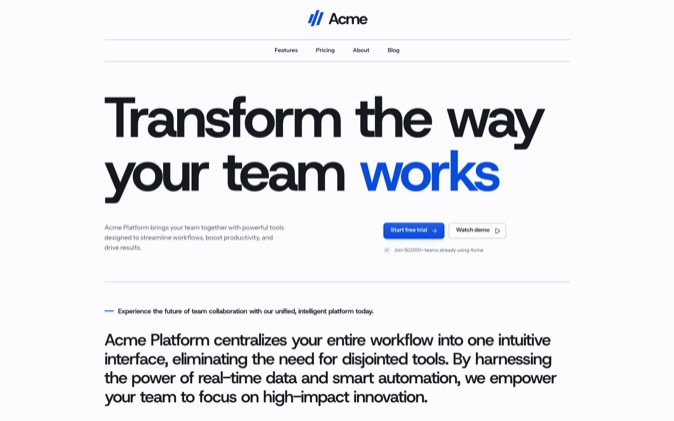
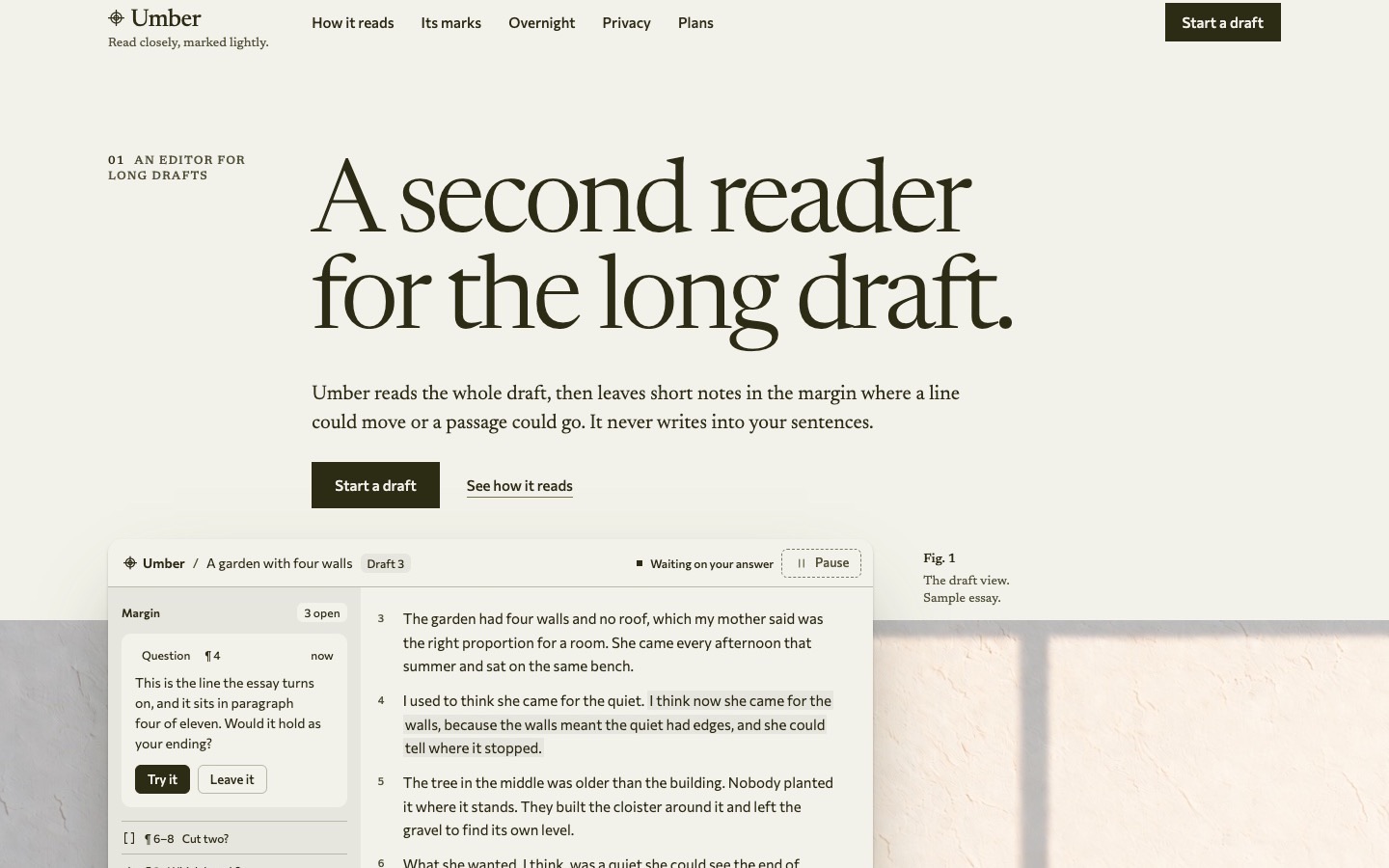
A coding agent builds from the design decisions and files you give it. With DesignPrompts, you can hand it a prompt that describes your page, install React components in a chosen style, or begin with a complete System. Choose by how much of the design and implementation you want in place before the agent starts.
Start with the Builder's prompt
Open the free Start, choose a page template and a look, and inspect the preview. Select Get prompt, add an optional product line and choose Copy prompt. Your agent receives the page plan, visual choices and brief you supplied.
Choose Edit in Builder if you want to add, remove or rearrange blocks and tune the look. Blank is available in the Builder when you want an empty starting page.
This path suits a page you want to shape yourself in your existing stack. The Builder produces a prompt, not finished React code. Give the agent your content and ask it to implement the plan while preserving your project's routes and behaviour.
Build with installed LandingKit
LandingKit supplies working React and Tailwind files in 21 styles. Compare a full style page, then inspect the actual sections you need. Your navigation, hero and pricing can begin with the same design choices already applied.
Install the selected items through the shadcn CLI with your Pro licence key. Give the agent the installed files and your page brief. It can compose the sections, edit their source and change a Block's layout using another Variation.
For example, a product screenshot may need more room than the original hero gives it. Hero Stage provides an image-led arrangement using the Hero group's content inputs. The layout guide explains the swap.
The LandingKit page also has a scripted Orbit walkthrough illustrating selection, installation and composition. It uses example data.
Adapt a complete System
A Premium System supplies a finished landing page and the working package behind it: React and Tailwind source, reusable components, assets, design rules, prompts, agent skills and proof.
Run the page, then ask the agent to read its README, DESIGN.md and supplied workflow. Give it your brand, content and required changes. The design rules help it extend the page with reference to the authored work.
This is the most complete DesignPrompts starting point when a Gallery page fits your product. Pro includes both LandingKit and every System while subscribed.
Review the page you get
Compare the result with the page plan or System you chose. Ask for changes in visible terms: preserve the type hierarchy, give the screenshot more width, or move pricing after the feature explanation.
Test desktop and phone layouts and the actions a visitor will use. Replace example data with your own facts. The supplied design gives the agent a starting point; your review confirms that the adapted page serves your product.
Try the free Start to choose your direction, or open the Premium Gallery to begin with a finished page.