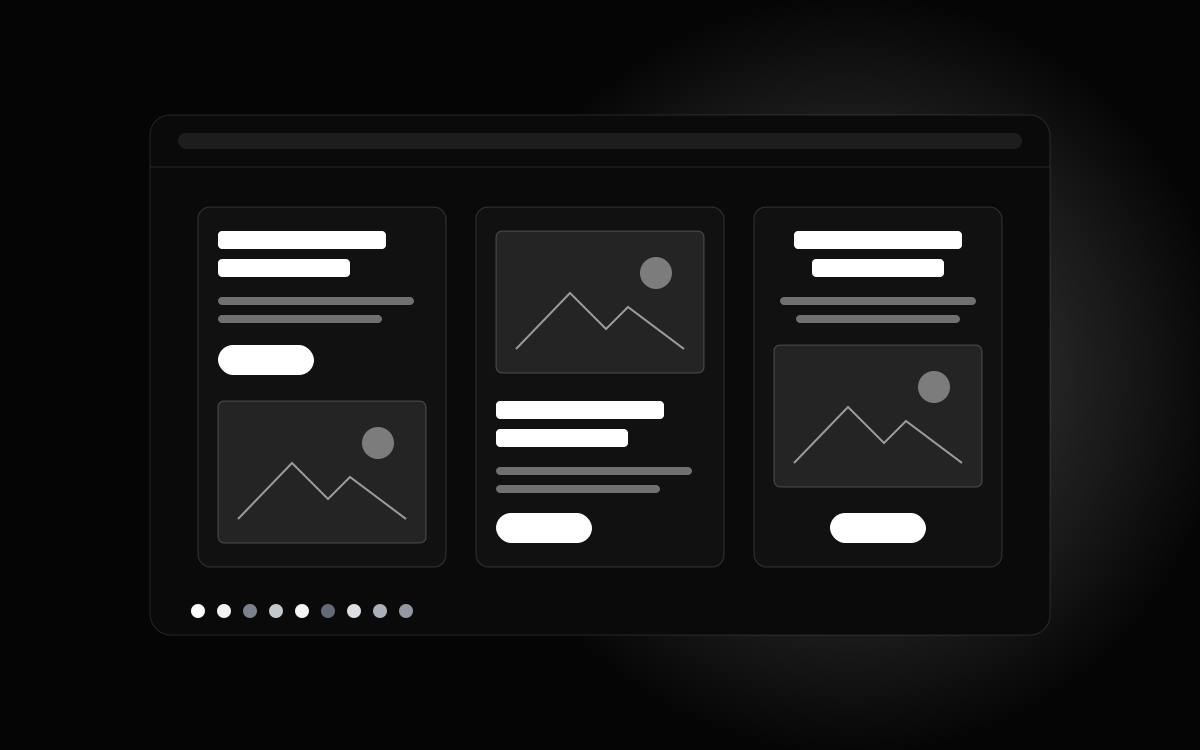
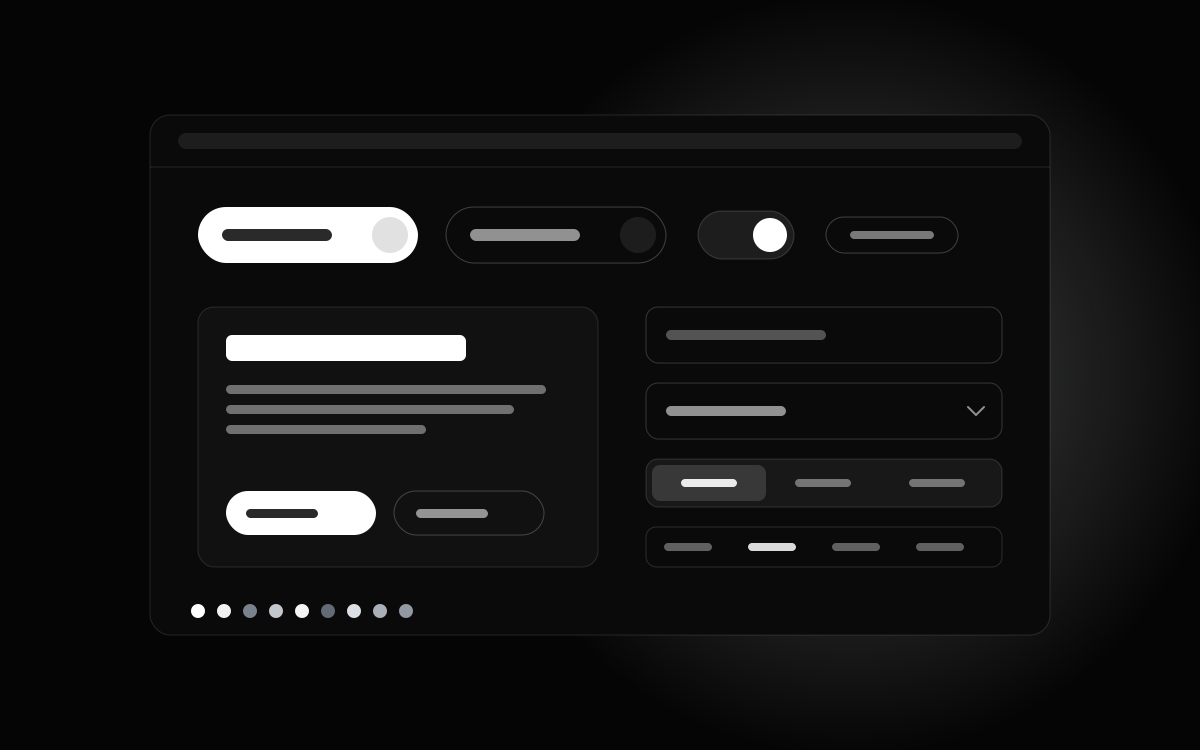
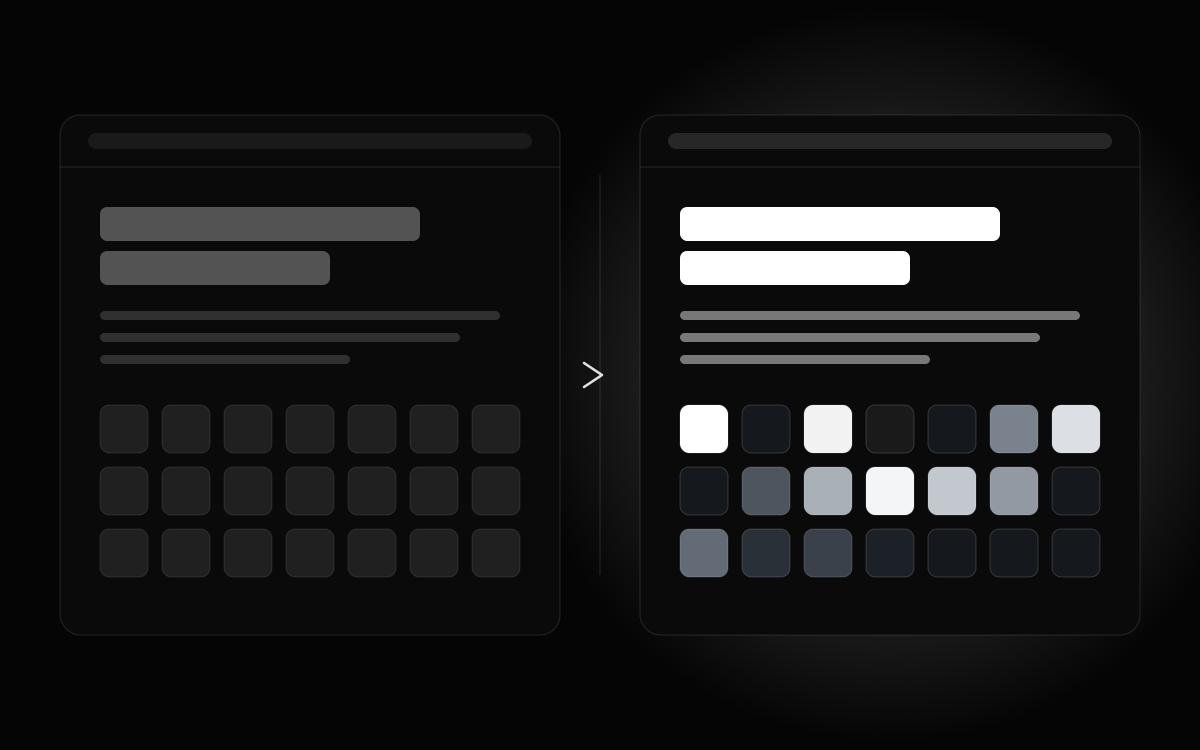
DesignPrompts Components gives you more Blocks to choose from. Keep your content
and try another Block in the same Style pack at
/components.
What changes
A group of Blocks shares one content contract. The first is the
Signature, the one taken from the style's explorer page. Hero Stage puts
the picture first; Hero Proof leads with the figures. Both take the same
content as Hero.
Hero has five Blocks; Site Header, Features,
Pricing, Testimonials and Closing have three each; About, Blog Index,
Process, Benefits, FAQ and Footer have two each. Stats, Contact, Comparison,
Showcase, Download, Waitlist, Auth, Bio, Not Found, Product Grid and Bento
also have two each. The catalogue includes 58 Blocks in every Style pack,
with the Signature included in each group's count.
Swap one import
Pro is on sale, and its licence key opens the registry. Install
the Block using the command on its item page, then change the
import in your page. For example, after installing Software Hero Stage, replace:
tsx
import { Hero } from "@/components/hero";
with:
tsx
import { HeroStage as Hero } from "@/components/hero-stage";
Keep the same <Hero /> call and its props. The content stays the same
and the arrangement changes. For Hero Stage, set the image's
object-position value to crop your own picture.
The Components pages let you compare the Blocks inside
each style before choosing one.