DesignPrompts Components are open to browse. Nine of the design systems in the
explorer now come with a set of React components built to their rules,
and you can browse all of them at /components.
What a component is here
A component is one interface part, written once on Base UI and styled
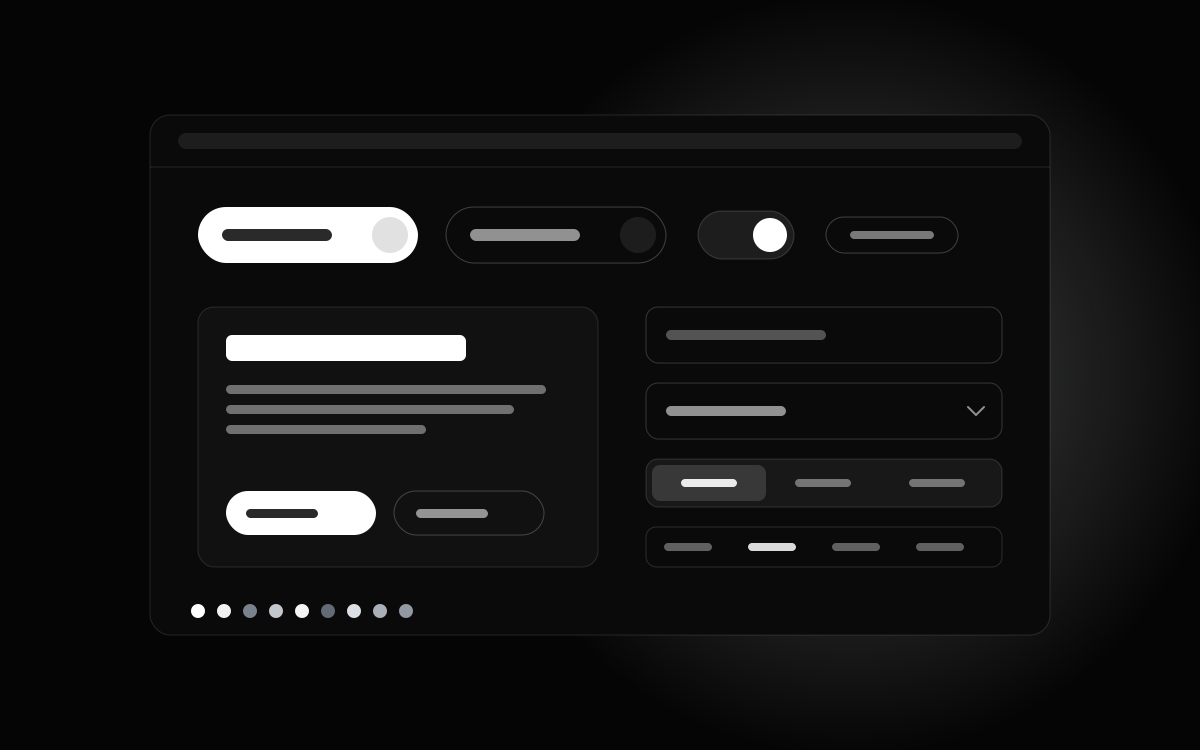
nine times. There are 98 of them per style: 37 Primitives such as Button,
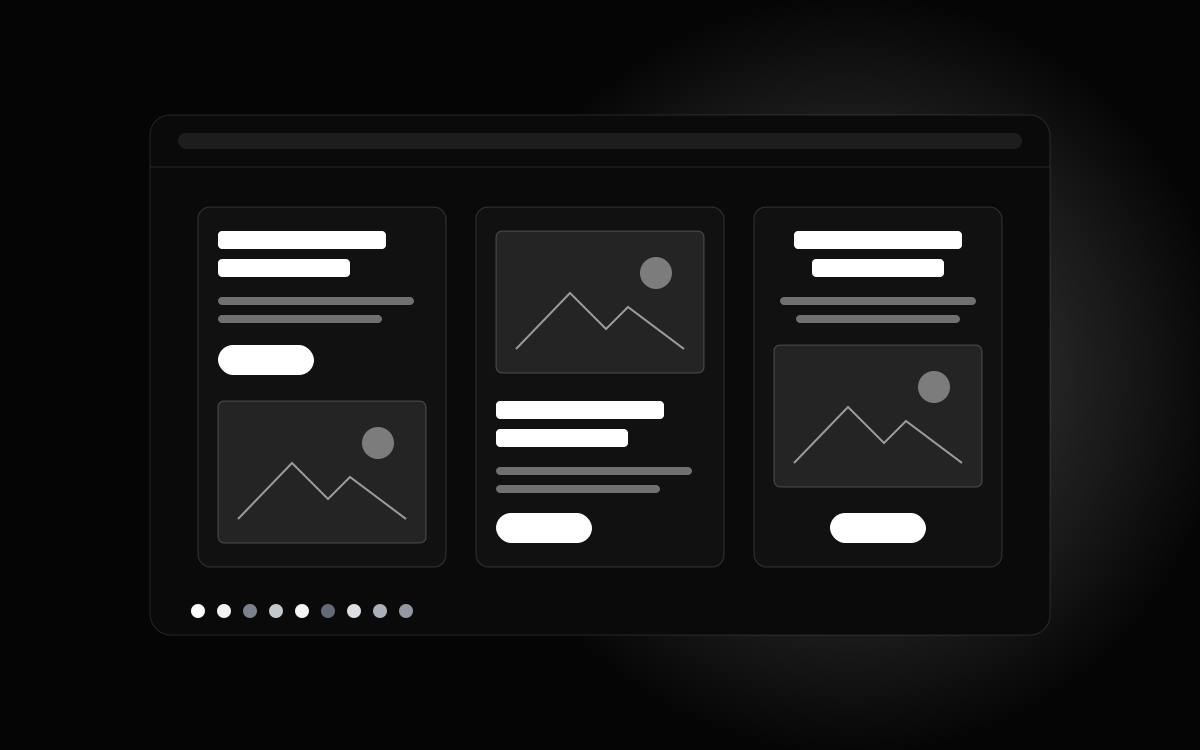
Select, Dialog and Table, 58 Blocks such as Hero, Pricing and Contact,
and three complete app screens. Pick a style
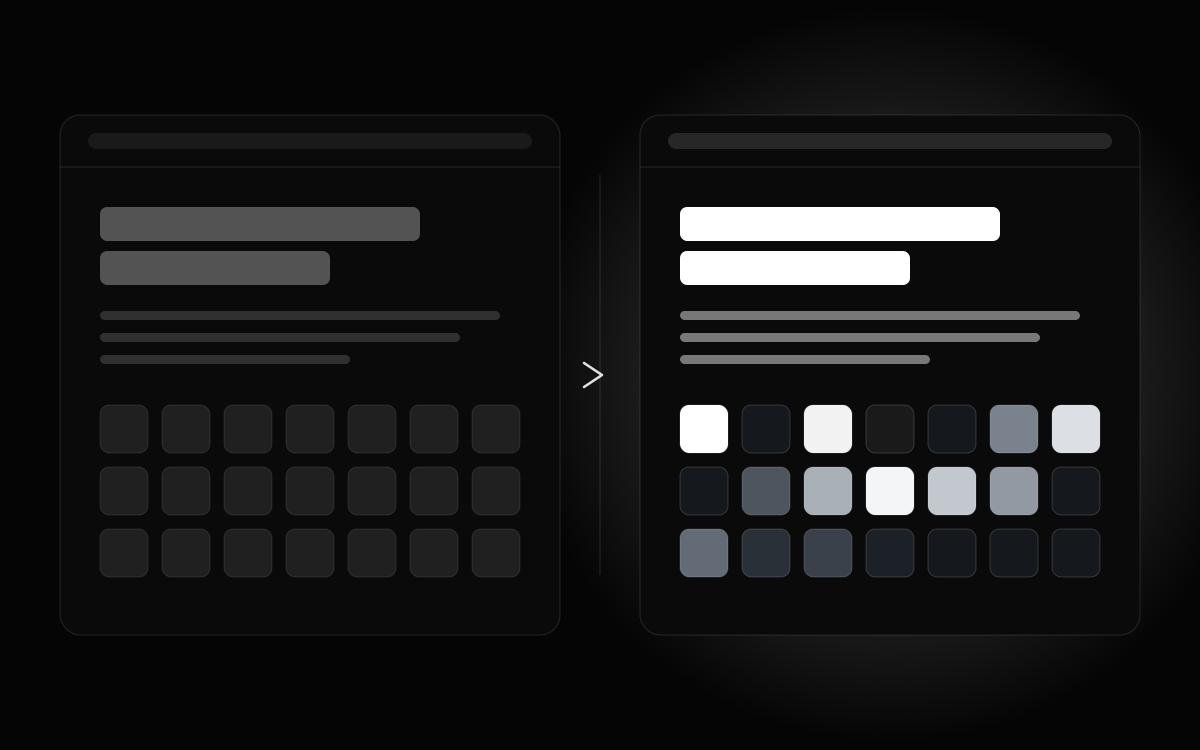
and the same Pricing block becomes Luxury's serif and warm neutrals, Terminal's green
on black, or Software's blue on white. The behaviour, the keyboard handling
and the props stay the same across all nine.
The nine styles are Monochrome, Modern Dark, Software, Luxury, Terminal,
Swiss Minimalist, Financial, Claymorphism and Botanical. Each has its own page
that walks through the blocks, shows the settings screen and lists the
primitives. Each component has its own page too, with a live preview, the
head of its source, and a row to switch it between styles.
How the install works
The registry is open for installs through the shadcn CLI, one component
at a time, into your own project. Add the DesignPrompts registry to your components.json
with your licence key in the header, then run the command shown on any
component page:
bash
npx shadcn@latest add @designprompts/luxury/pricing
The file lands in your components folder as plain TypeScript and Tailwind
that you own and can edit. There is no runtime package to keep updated
and nothing phones home. If you use a coding agent, every component page
has a Copy for agent button that hands it the install command and one
sentence telling it where the component goes.
What the licence includes
The Pro licence is a one-time purchase. It covers every component
in all nine styles, installed one at a time, with lifetime updates and
use in unlimited projects. Pro also brings every System. It costs $99, paid once.
Pro is on sale, and its licence key opens the registry. The pages stay
open to browse without one, and the Components page links to the
licence details.